
A count you can predict
Records in the inventory right now, nothing else. No surprise charges for history or deleted items.
How items are counted toward your plan, what colors and sizes count as, how locations affect the count, and how to free up room when you reach the limit.
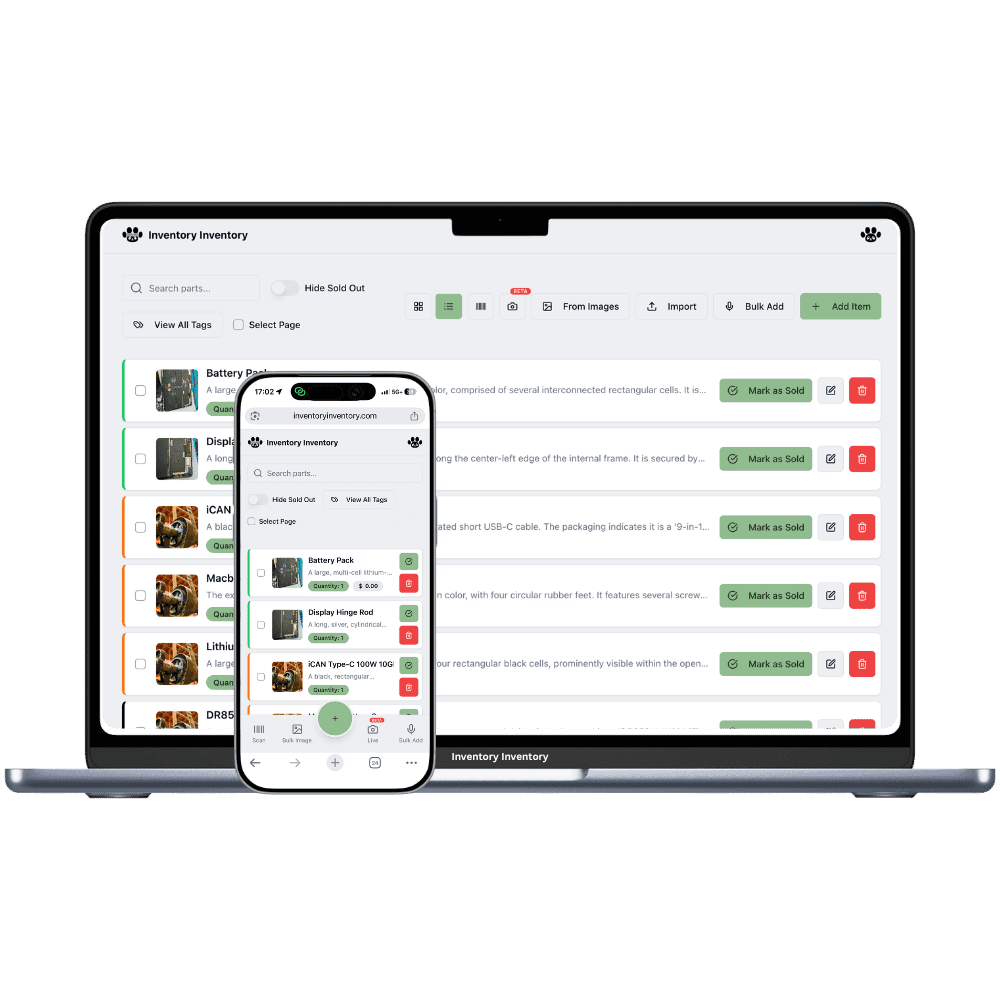
Every plan comes with an item allowance: Free 50, Pro 1,000, Super 10,000, VIP 50,000, Luxury 150,000, Space 500,000 on the current plans. The rule for counting is simple: one item is one record, a product in one place with one quantity, one barcode or SKU and its own fields. The allowance counts the records in your inventory right now, not everything you have ever added.
Colors, sizes and other specifications are where most people ask. For the time being there is no variant grouping: every color or size you want to count separately is its own item, with its own barcode or SKU, and each counts toward the allowance. A shared name prefix and a tag keep a family together in search and reports. If you only need one number for the whole product, one item is enough and uses one slot.
Locations change the count too. With Locations (VIP and above), a product kept in three stores has three records, one per store, so that each store can have its own quantity and price; each record counts toward the allowance. Inside one location a product lives in one warehouse as one record; two warehouses there would mean two records, which the app warns about because scanning and Square cannot tell repeated barcodes apart. Reaching the limit is never a lock-out: deleting items frees their slots immediately, past activity stays in the Activity Log, and the next plan up is one click on the Billing page.
Records in the inventory right now, nothing else. No surprise charges for history or deleted items.
Name families consistently and tag them; search, filters and reports group them for you.
Locations give each store its own record; a single site keeps one record per product, in the warehouse where it lives.
Delete what you no longer stock and the slot is free at once; export to Excel first if you want a copy.
Activity Log entries stay by item name even after the item is gone.
Change plan on the Billing page; nothing is re-imported and nothing is lost.
Plan limits are only fair when the counting rule is plain. Here it is: one record, one item.
One item per product, or one per color and size? Pick the level you need to count separately.
“Mug · Red · Small” next to “Mug · Red · Large”, with a “Mug” tag, keeps variants together everywhere.
The inventory page shows items used against the allowance. Delete, export or upgrade when you get close.
One each, for the time being. A variant you want to count separately is its own item with its own barcode or SKU. There is no variant grouping yet; naming and tags keep a family together. If you do not need per-variant counts, one item for the product uses one slot.
Once per location record on the current plans, since each location keeps its own quantity and price. Several warehouses inside one location share one record.
Delete items you no longer stock; the slot is free immediately. Items cannot be archived for the time being (warehouses can). Keep an item at quantity 0 if you want it back later, export your inventory to Excel before deleting, and know that its past entries stay in the Activity Log.
The Activity Log keeps every entry under the item's name: scans, sales, edits and transfers. Only the live record and its placement on the warehouse map are removed.
Deleted items do not. Items at quantity 0 do, because they are still records; delete them if you want the slot back.
Free 50, Pro 1,000, Super 10,000, VIP 50,000, Luxury 150,000 and Space 500,000 items. The Billing page shows the current plan and what is in use; the plans page has pricing.
Start free with 50 items — no credit card, no trial countdown. Import your spreadsheet and you have a working system in minutes.
New here? See how it works, layer by layer.