
Start in fifteen minutes
Import your spreadsheet and you already have a working system — no configuration project.
Everything a growing shop, warehouse or workshop needs to leave the spreadsheet behind — and nothing you would need a consultant to configure.
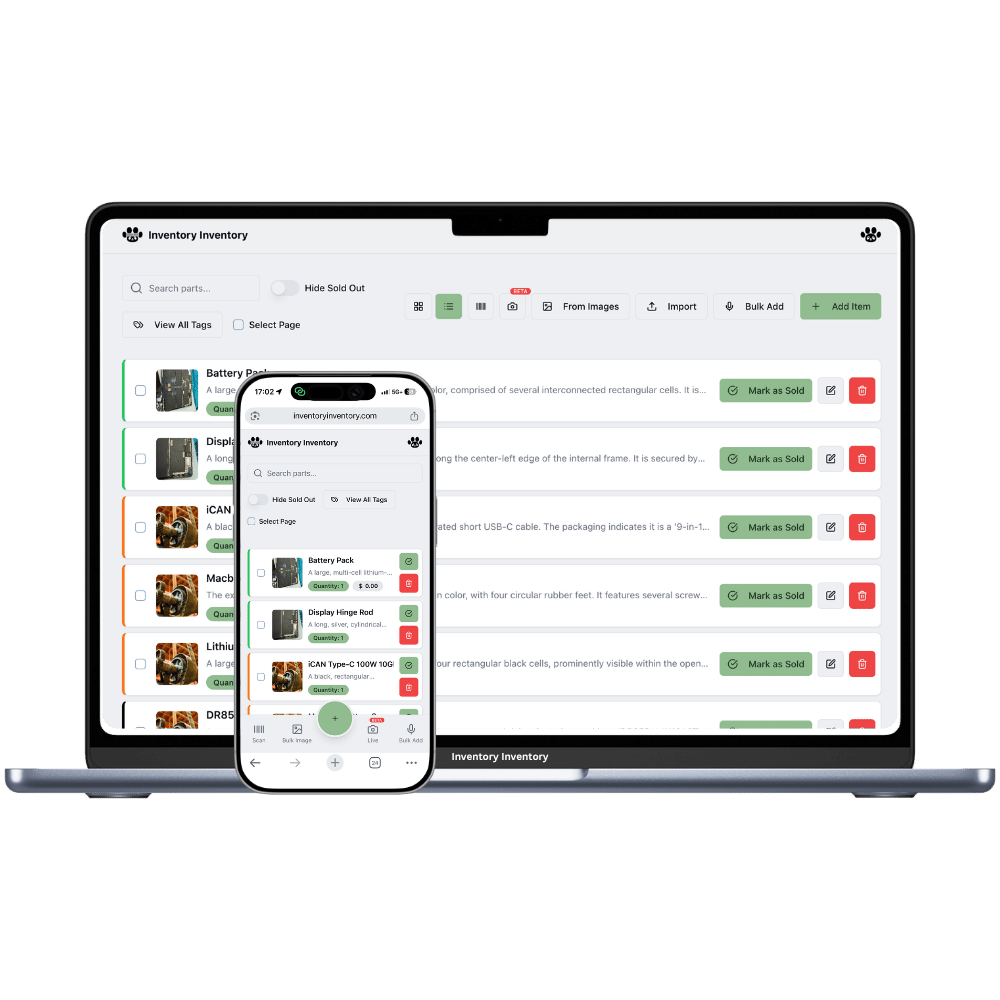
About a third of small businesses still track stock manually and another quarter live in spreadsheets. Not because owners are behind the times, but because most inventory software is built for warehouses with a full-time systems person. Every task takes six clicks, pricing is per user, and the migration alone costs a fortnight.
Inventory Inventory is deliberately scaled for the business in between: too big for a spreadsheet, far too small for an ERP. You can import your existing sheet, keep working the way you already do, and switch on warehouses, scanners, purchasing or integrations only when there is a real reason to.
The pricing follows the same logic. Free covers 50 items so you can test with real stock; $10/month unlocks AI, purchasing, Square sync and the API; team seats arrive at $35 and are never charged per person.
Import your spreadsheet and you already have a working system — no configuration project.
No per-seat billing, no minimum users, no annual contract. Cancel whenever.
Adding stock by photo, voice or scan takes seconds — the tasks you do fifty times a day.
One shelf today, three warehouses and a team of ten later, on the same account.
Full Excel export on every plan, including free. No hostage-taking.
An AI Onboarding Officer, a searchable help centre, and real support email.
Inventory software only works if staff use it during the busy hour. Everything here is built around that one test.
Upload your Excel or CSV — AI maps the columns, you review before anything saves.
Tell it your minimum for the items that matter; low stock then drafts purchase orders for you.
Staff scan in and out from their own phones, with permissions you control.
Judge it on three things: how fast a busy employee can add or scan an item, whether pricing punishes you for adding staff, and whether you can get your data back out. Anything that fails the third test should be disqualified immediately. Test with your real stock for a week before committing — most abandoned systems were chosen from a feature list rather than a trial.
When more than one person needs to edit it, when you have been burned by an oversell or a forgotten reorder, or when you cannot answer "who changed this and when". Below about 30 items with a single editor, a spreadsheet is genuinely fine — and you can import it here whenever that changes.
Free to roughly $50/month is the normal range at this size. The hidden cost to watch is per-user pricing: a $15/user system is $75/month the moment five people touch it. Ours is $10/month for the full feature set, with team seats bundled into the $35 plan rather than charged per head.
No. Plenty of businesses run entirely on names, photos and quantities. Barcodes simply make repetitive counting faster and less error-prone — and if your items have none, the system can generate and print them for you.
Usually one sitting. Export your sheet, drop it in, and the AI maps your columns — including SKU, cost, supplier, reorder level and expiry — then shows you everything for review before saving. The longer part is optional: drawing your warehouse and placing stock, which you can do gradually.
Start free with 50 items — no credit card, no trial countdown. Import your spreadsheet and you have a working system in minutes.