Inventory software for

HVAC and appliance repair companies that count every shelf

Capacitors on six trucks, igniters for every furnace brand, and a shop shelf nobody has counted since spring. Inventory Inventory maps each truck and shelf and keeps one count per place.

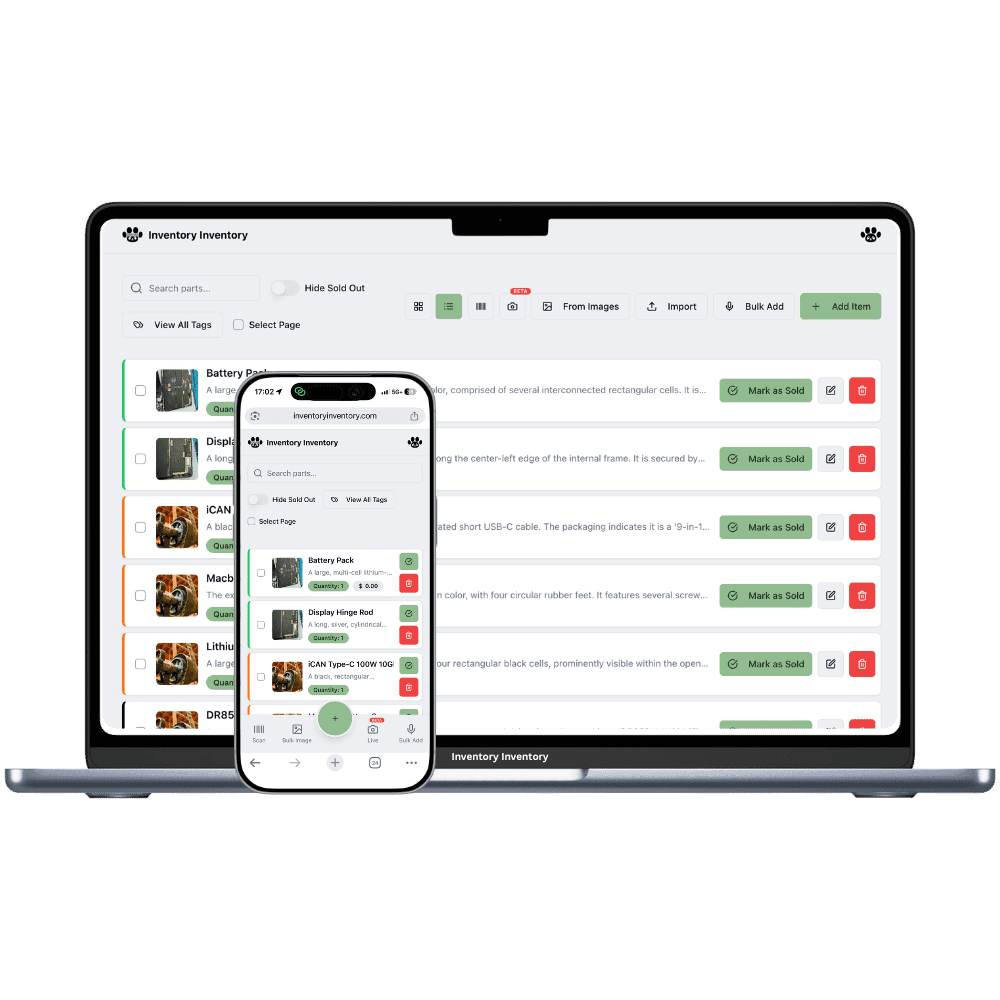
Inventory Inventory inventory software shown for HVAC and appliance repair companies on a laptop and a phone

What HVAC and appliance repair companies stock

  • Run capacitors and contactors
  • Furnace igniters and flame sensors
  • Inducer motors and pressure switches
  • Refrigerant cylinders
  • Copper line sets and fittings
  • Washer pumps, dryer belts and heating elements
  • Refrigerator door gaskets and defrost timers
  • Pleated furnace filters by size

How HVAC and appliance repair companies keep count

An HVAC and appliance repair company keeps its stock in motion. Most of the parts that matter ride on service trucks: run capacitors, contactors, igniters, flame sensors, a few refrigerant cylinders and a coil of copper. The shop holds the rest, from inducer motors to dryer belts and fridge gaskets for the brands you service most. The season flips twice a year. In October every truck needs furnace parts, in June every truck needs capacitors and contactors, and a technician who opens a bin and finds nothing drives back to the shop or to the supplier counter.

Inventory Inventory draws each truck as its own warehouse, on every plan, beside the shop’s aisles and floors, so a part on truck 3 has its own record and its own count. Add Model number, Brand and Supplier SKU from the field library on every plan, so each part is filed by the units it fits. Team members, on Super and above, adjust their truck’s counts from the free iPhone and Android apps when they use a part, and on Pro and above a reorder level drafts a purchase order for your approval.

Where the counts go wrong

Parts scattered across six trucks

Each truck is drawn as a warehouse in Warehouse Mode, on every plan, so the same capacitor on two trucks is two records, each with its own count and reorder level. When a technician fits one, the phone app takes it off that truck’s record, and the activity log shows who, when and on which device.

Seasonal parts in the wrong place

Furnace igniters belong up front in October and in the back of the shop by May. Fill a Season custom field on every plan, filter by it, and use Move to… to send the off-season range to the shop’s storage aisle in one action, then bring it forward again when the first cold night comes.

Copper bought at a different price every month

Copper line sets follow the metal price. Receive each delivery as a lot with its own unit cost, using cost per lot on every paid plan, and the item shows the value at cost and the weighted average of what is left. Lots without an expiry leave oldest first, and receiving a purchase order stamps the lot with the line’s cost.

The first cold night of fall

The first night below freezing in Edmonton, the phones ring with no-heat calls before 7 am. The owner of an HVAC and appliance repair company, on the Super plan, checks the map: truck 2 has one hot surface igniter left, truck 4 has none. A technician on truck 2 fits the last one at 9:15 and takes it off the truck’s record from the phone app. By ten, the shop’s igniter stock has crossed its reorder level and a draft purchase order for the supplier waits in the bell. At lunch the office restocks truck 4 from the shop shelf and adjusts both counts. Before the day ends, the AI Analyst answers which igniters and flame sensors are low across every truck, so tomorrow starts with full bins.

How it works

1

List the parts and the units they fit

Import your parts sheet on Pro and above, or add parts by scan, photo or voice. Turn on Model number, Brand, Supplier SKU, Cost price and Reorder level.

2

Draw the shop and every truck

Draw the shop’s aisles and floors, then each service truck as its own warehouse with a shelf or two. Give each truck’s parts their own reorder levels for a full truck.

3

Keep counts as parts go in

Team members, on Super and above, take parts off their truck from the phone apps as they fit them, and reorder levels on Pro and above draft the supplier order before the season turns.

Frequently asked questions

How do I track HVAC parts on service trucks?

Draw each truck as a warehouse in Warehouse Mode, on every plan. A part carried on three trucks becomes three records, one per truck, each with its own count and reorder level, and the inventory list warns you so it is deliberate. Technicians adjust their truck’s record from the phone apps as they use parts, and every change lands in the activity log.

Can I track refrigerant cylinders?

Track them as whole cylinders: each cylinder size is one item, counted by the cylinder, with a Supplier SKU and a reorder level. Quantities are whole numbers, so the pounds charged into a system are not recorded here. On Pro and above, a reorder level drafts the next order when the shop runs low.

Can technicians look up a part number from the truck?

Yes. The free iPhone and Android apps scan a barcode with the camera and open the part with its quantity and where it sits, with the same permissions the technician has on the web. Add Model number and Supplier SKU fields so the record shows the numbers the supplier counter asks for. Team members are on Super and above.

Is there a free plan?

Yes. The Free plan holds up to 50 items with barcode scanning and custom item fields, and it needs no credit card. Upgrade only when you outgrow it.

Does it work on phones?

Yes. There are apps for iPhone and Android that turn your phone into a barcode scanner and show your live stock on the floor. Create your account on the web first, then sign in to the app with the same account.

Can I import my existing list?

Yes, on Pro and above: upload an Excel or CSV file and your columns are mapped automatically: name, quantity, price, barcode, SKU, cost, supplier, category, reorder level, expiry date and lot number. You review everything before it is saved.

More than one store?Multi-location inventory for HVAC and appliance repair companies

Features HVAC and appliance repair companies use

Ready to try it?

Start free with 50 items, no credit card: scan or type them in, or import your spreadsheet on Pro and above.

Another kind of shop? See every store type.