
Trucks belong to a branch
Each truck is a warehouse inside its branch’s location, so its parts count toward that branch. With Locations on VIP and above, a branch’s fleet is listed under that branch, and the owner sees every branch on one list.
Two branches, two fleets of trucks and one supplier list. Locations, on VIP and above, keep each branch’s shop and trucks together and apart from the other’s.
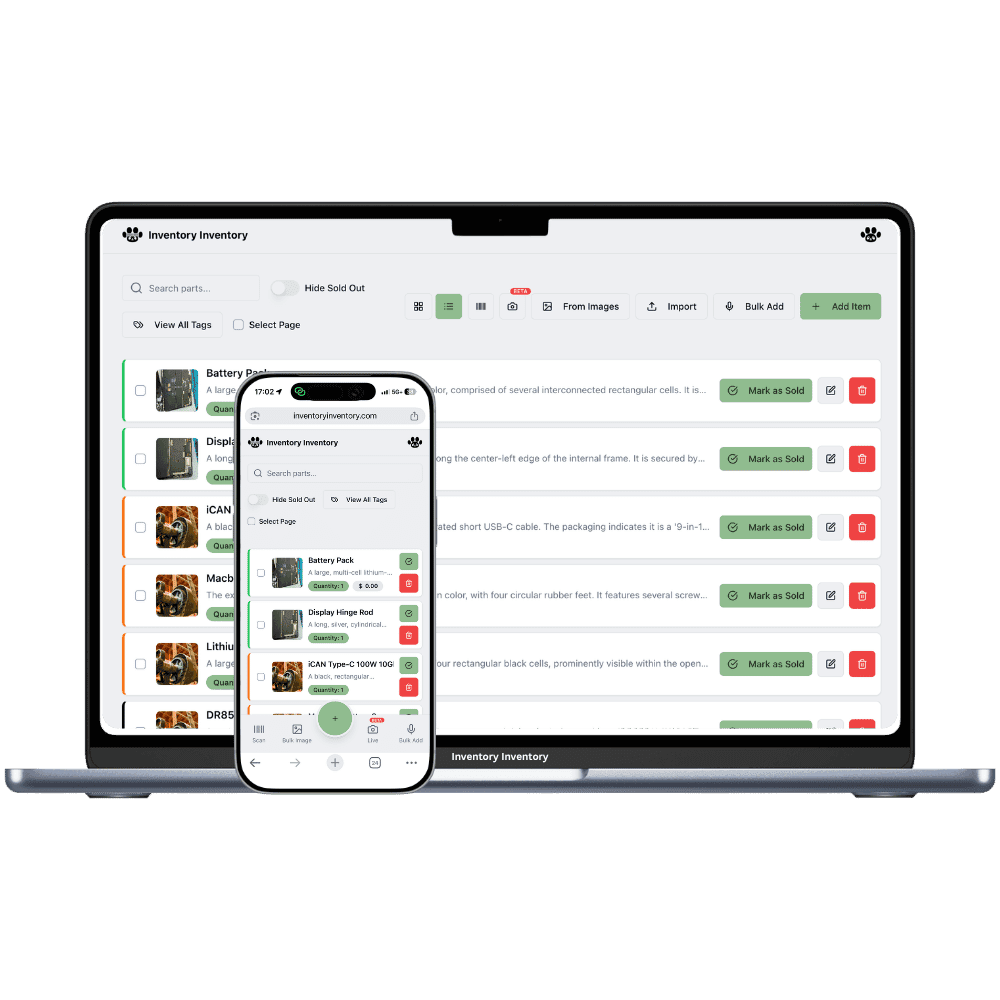
An HVAC and appliance repair company with a second branch has two shops, two sets of trucks and a phone that rings at both. Parts drift between them: a branch short on inducer motors borrows from the other, and a truck that ends a job closer to the other shop restocks there. When both branches share one count, nobody can say what either shop really holds. Each branch also sees different work, one with more rural furnaces and propane conversions, the other with more condos, fan coils and kitchen appliances.
Locations, on VIP and above, make each branch a location with its own shop and trucks drawn as warehouses beneath it, and each keeps its own record, quantity and reorder level for the same part. Transfer to another location moves untracked parts from one branch to the other and logs it, and the inventory list groups the same part by barcode with the total across every branch. A capacitor riding on a truck in one city counts toward that branch alone, never toward the other.
Each truck is a warehouse inside its branch’s location, so its parts count toward that branch. With Locations on VIP and above, a branch’s fleet is listed under that branch, and the owner sees every branch on one list.
A rural branch stocks propane conversion kits and furnace parts, a city branch stocks dishwasher pumps and fan coil motors. With Locations on VIP and above, each branch’s record has its own reorder level, so purchase orders follow what that territory installs.
Team permissions, on Super and above, apply to the whole account and are not set per location, so a technician who can see stock sees both branches. Scanner devices are per site: a counter gun is approved at its own branch’s station.
A cold week in January leaves the Red Deer branch with two inducer motors and five no-heat calls booked. The Calgary branch has nine on its shop shelf. The owner, on VIP, opens the motor, chooses Transfer to another location, sends four to Red Deer and picks the shop’s aisle on arrival; both records change and the transfer is logged. Inducer motors are not lot-tracked, so the move is allowed, and a Calgary truck heading north for a job carries them up. Meanwhile, Red Deer’s flame sensors cross their reorder level and the supplier’s draft purchase order gains a line. On the inventory list, the motor shows once with each branch’s count and the total.
Yes. With Locations on VIP and above, each branch is a location, and its shop and trucks are warehouses inside it. Warehouses are on every plan, up to 100 per workspace on the current plans, so a fleet of trucks across two branches fits. Each truck’s parts count toward its own branch.
On VIP and above, open the part, choose Transfer to another location, pick the branch and quantity, and optionally an aisle. The units leave one branch’s record and join the matching record at the other, or create one, and the move is logged. Parts tracked in lots cannot be transferred yet, so receive each branch’s share as its own lot.
Yes. The inventory list groups records of the same part by barcode, or by name when neither has one, and shows the total with a tab per location. The AI Analyst, on Pro and above, can answer which parts are low at either branch. Each record still counts toward the item allowance once per location.
Yes. The Free plan holds up to 50 items with barcode scanning and custom item fields, and it needs no credit card. Upgrade only when you outgrow it.
Yes. There are apps for iPhone and Android that turn your phone into a barcode scanner and show your live stock on the floor. Create your account on the web first, then sign in to the app with the same account.
Yes, on Pro and above: upload an Excel or CSV file and your columns are mapped automatically: name, quantity, price, barcode, SKU, cost, supplier, category, reorder level, expiry date and lot number. You review everything before it is saved.
Start free with 50 items, no credit card: scan or type them in, or import your spreadsheet on Pro and above.
Another kind of shop? See every store type.