
A cost on every lot
Type it in the editor, or let a received purchase order stamp the line’s cost onto the new lot.
A hardware store owner asked on Reddit about “buying the exact same variant at different times for totally different prices (e.g., batch one at $100, batch two at $120, batch three at $95).” Here each delivery is a lot with its own unit cost, so the cost basis of what is on the shelf is a figure, not a reconstruction.
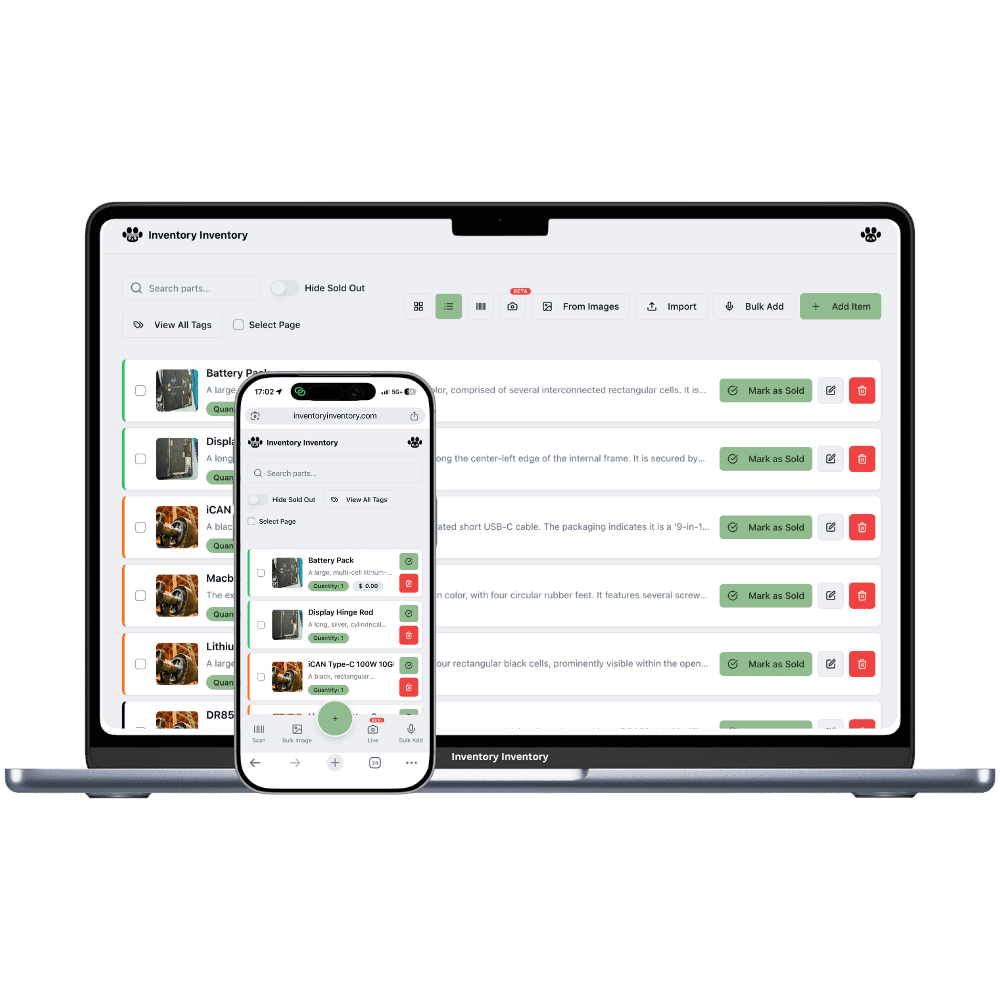
“Buying the exact same variant at different times for totally different prices (e.g., batch one at $100, batch two at $120, batch three at $95). Once that stock gets split up between locations, trying to figure out the actual cost basis is a nightmare.” That is the whole problem in two sentences, and a spreadsheet cannot keep up with it because every sale needs someone to remember which row to change.
In Inventory Inventory the part is one item and each delivery is a lot under it: a quantity, an optional lot number, an optional expiry date and, with the Cost price field enabled, a unit cost. The three deliveries above are three lots at $100, $120 and $95. The item’s quantity is always the sum of its lots, the editor shows the value at cost and the weighted average of what is left, and the inventory list’s valuation strip adds every lot at its own cost across the whole stock.
Deductions take the lots in order: the soonest expiry first, and among lots without an expiry date the oldest delivery first, which for hardware is first-in-first-out. Each scan, sale, shipped order line and API deduction records which lots it took, so the cost of the units that just left is the cost of the lot they came from. Stock split between a main store and a storage unit is two records of the same part, one per location, each with its own lots and costs, and the list shows them together with the total.
There is no ERP in this: cost per lot is part of the item editor on every paid plan, and the phone apps, the barcode scanner, Square sales and the developer API all deduct from the same lots.
Type it in the editor, or let a received purchase order stamp the line’s cost onto the new lot.
Value at cost and the weighted average cost are worked out from the lots on hand, not from one old figure.
Lots leave in order and every deduction names the lots it took, so the cost of what sold is on record.
A scan at the counter, a Square sale, an API call or an AI command all deduct from the lots for you.
Each location keeps its own record of the part with its own lots, shown together with the total.
The AI Analyst answers “what is our stock worth at cost?” and “what did the last lot cost?” from the same figures.
Each lot keeps its own cost and the item shows the weighted average over what is left. One export carries every lot and its cost to Excel and back.
Enable the Cost price field (and Lot number or Expiry date) in Item Fields, once, for the whole workspace.
Add a lot in the item editor with its quantity, lot number and unit cost, or receive the purchase order and the lot is created with the line’s cost.
Every deduction takes from the lots in order and records which ones it took. The editor and the list keep the value at cost current.
Both figures come from the same data here. Each lot keeps its own unit cost, and the item shows the weighted average cost and the value at cost of the lots that are left. Lots leave soonest-expiry first, and lots without an expiry date leave oldest first, so for parts that never expire it is first-in-first-out. Cost per lot is part of the item editor on every paid plan, with no implementation project.
First-expired-first-out, with first-in-first-out for lots that have no expiry date. A hardware store whose lots carry no expiry dates gets FIFO in effect; a grocer gets expiry order.
It uses the item’s cost price. Nothing changes for items that never had a cost per lot: their valuation stays quantity times cost price, exactly as before.
Each location keeps its own record of the part, with its own lots and their costs, and the inventory list shows the records together with the total. Receive each location’s share as a lot on that location’s record, by hand or through a purchase order.
Yes. It deducts from the lots in order like everything else, and when it adds stock to a lot-tracked item it needs the lot named, for example “add 10 to lot B200”, so new stock never lands on the wrong lot or at the wrong cost.
The Excel export writes every lot with its quantity, lot number, expiry and unit cost, and the importer reads the same column back. The developer API returns a unit cost per lot, and the AI connector shows it on each lot.
Not yet. Each deduction records which lots it took, and each lot has its cost, so the figure is on record; a cost-of-goods column on sales and shipments is planned.
Start free with 50 items — no credit card, no trial countdown. Import your spreadsheet and you have a working system in minutes.
New here? See how it works, layer by layer.