
Drafted, never sent
Every order waits for explicit approval — no surprise purchases.
Stock crosses its reorder level and a draft purchase order appears — grouped by supplier, quantities pre-filled, waiting for your approval. Nothing is ever sent on its own.
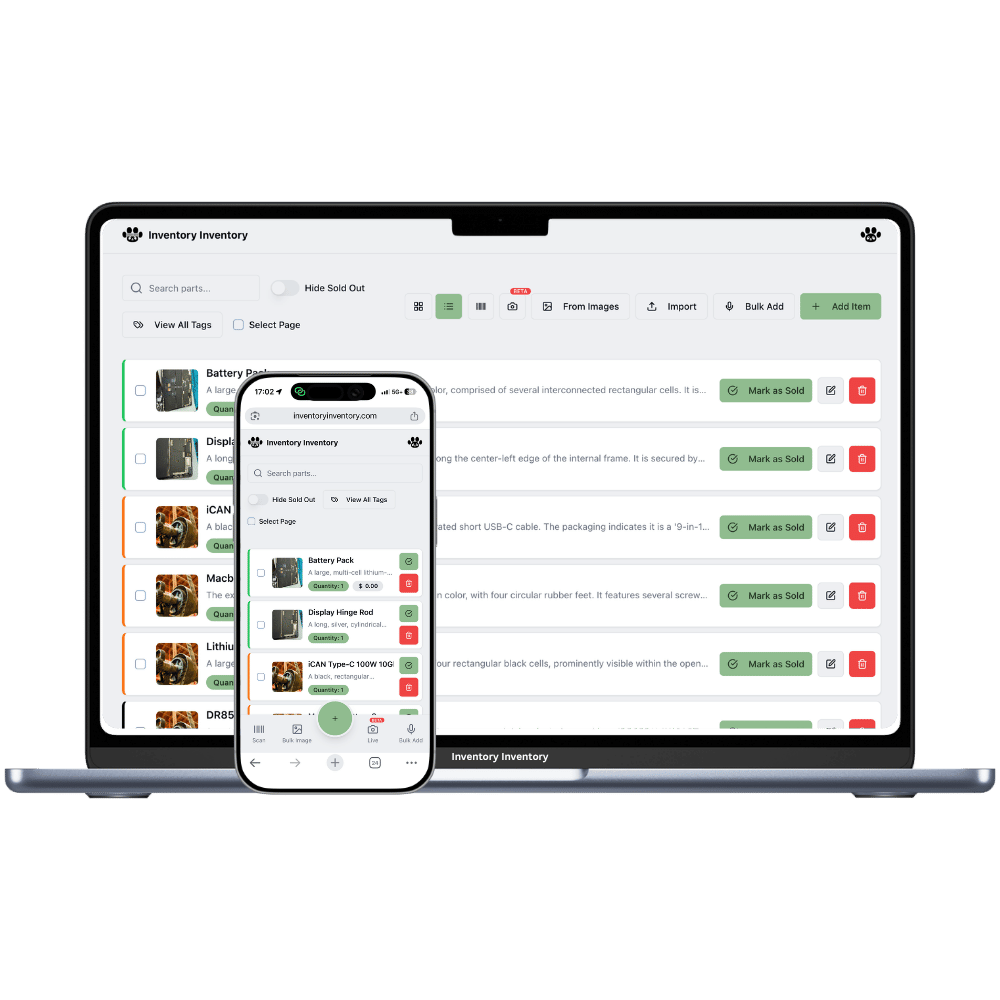
Automatic reordering has an obvious appeal and one obvious risk: software that places orders on its own will eventually place a wrong one. The compromise here is that the system does all the work except the deciding.
Set a reorder level on an item. When stock reaches it — through a sale, a scan, an API call or a Square transaction — a draft purchase order is created, grouping every low item from that supplier into one order, with quantities from each item’s reorder quantity, costs from its cost price, and an expected date from the supplier’s lead time. Your bell turns green. You review, adjust and approve.
Receiving closes the loop: enter what arrived (fully or partially), and stock returns to inventory, creates expiry batches when relevant, and lands in the activity log — so back-in-stock alerts fire on their own.
Every order waits for explicit approval — no surprise purchases.
New low items join that supplier’s existing open draft instead of spawning more.
Email, phone, lead time and ordering link stored once, reused on every order.
Approve and send a clean PO email, or send it yourself from your own inbox.
Receive what actually arrived; the order stays open for the rest.
Set the next PO number to continue your existing sequence.
You keep the judgement. The software keeps the vigilance — including on the items you forgot you were low on.
Add a reorder level and quantity to the items you never want to run out of.
Low stock creates or joins a supplier draft and rings the green bell.
Send the PO, and record the delivery when it arrives — batches included.
You set a minimum quantity per item. When stock reaches or drops below it — from any source, including website sales and Square — the system drafts a purchase order for that item’s supplier, pre-filled with your reorder quantity and cost. It also fires when you set a reorder level on something that is already low, so nothing sits waiting for the next sale to notice.
No, and it is designed so that it cannot. Orders are only ever drafted. Sending requires you to press approve, and if you would rather not send through our system at all, you can send the same PO from your own email client instead.
For most small businesses, no — the value of having POs inside your inventory system is that reorder levels, supplier details, cost prices and receiving all live in one place. Where a standalone PO tool wins is complex approval chains and procurement workflows, which this deliberately does not attempt.
Open the PO and record what came. Quantities go back into stock, expiry and lot details create proper FEFO batches, the order marks itself partially or fully received, and everything is written to the activity log — which is what makes back-in-stock alerts fire automatically.
Pro and above ($10/month). Emailing purchase orders to suppliers through our infrastructure is VIP and above and shares your plan’s monthly email allowance; on Pro and Super you can still send the same order from your own email in one click.
MOQ is a supplier’s minimum order quantity — the smallest amount they will sell in one order. Set it once on the supplier’s profile and every purchase order drafted for them honours it automatically: if low stock calls for 40 units but the minimum is 100, the draft says 100. You review the real, orderable quantity before approving instead of a number no supplier would accept.
The dependable way is not prediction — it is reaction speed. The instant any sale, scan or sync drops an item to its reorder level, an alert fires and a purchase order is drafted, before the shelf is empty rather than after. Set each reorder level to cover what you sell during that supplier’s lead time and stockouts largely stop being a surprise.
Usually not first. A forecast is only as good as the history it learns from, and most stockouts trace back to counts that were wrong, not models that were weak. Accurate live quantities, a logged movement history and reorder points that reflect real lead times remove most of the pain on their own — and if you later want forecasting, that clean history is exactly the data it needs. Meanwhile the AI Analyst answers questions like what is moving and what sits still, grounded in your actual activity.
Every supplier profile stores a default lead time in days, and each drafted purchase order carries the expected delivery date automatically. The rule of thumb: set an item’s reorder level to at least what you sell while a delivery is on the way — a 14-day lead time on something selling 5 a day means reordering at 70, not at 10.
Start free with 50 items — no credit card, no trial countdown. Import your spreadsheet and you have a working system in minutes.