
Know where a scan happened
Every entry carries its station, so movement through your building is visible.
Name a scanning point on your map — receiving door, packing bench, front counter — and register exactly which devices are allowed to scan there.
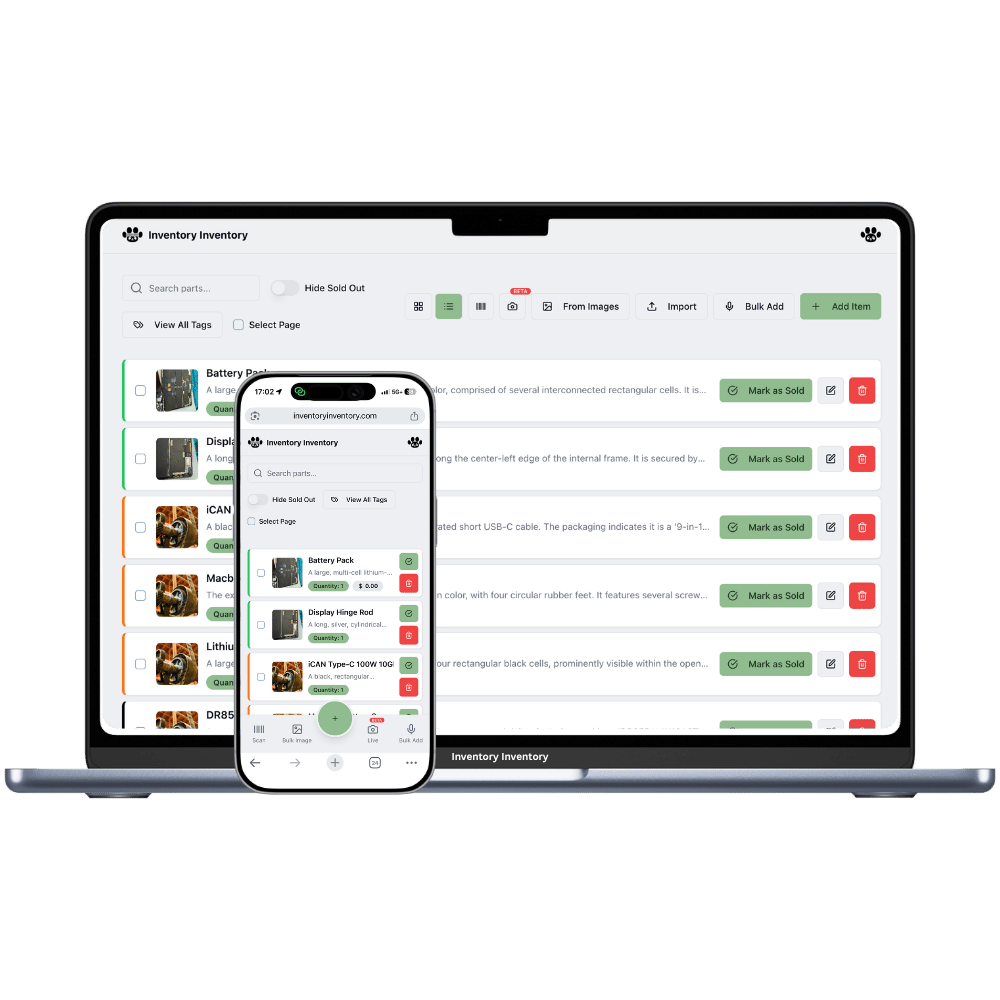
A scanner station is a named scanning point in your operation. Instead of "someone scanned this", your log says "scanned at Receiving Dock, on Maria’s iPhone, at 3:14 pm". That context is what turns a scan history into something you can actually investigate.
Stations are placed on your warehouse map as dots, so they carry location meaning too — a scan at the dock is a receipt, a scan at the counter is a sale. Devices register to a station and the owner approves them.
Every entry carries its station, so movement through your building is visible.
A station is a place, not a phone — register as many devices as the shift needs.
A phone can hold approvals at several stations and switch between them with a toggle.
Native apps let each attached Bluetooth or USB gun register individually under its host device.
Remove a device the moment it leaves your business — access ends immediately.
Registrations from a blocked address are refused before they are ever created.
Staff scan the same way they always would. The difference is that months later you can answer "who scanned this out, from where, on what device?" in about four seconds.
Drop a scanner dot on your warehouse map and name it after the real spot.
Staff request access from their device; you approve it once from the Scanners page.
Every scan in or out lands in the Activity Log with station, device, user and IP.
No. Any phone camera works through the native apps or the web app. If you scan hundreds of items a day, a $30 Bluetooth scanner is worth it — it behaves like a keyboard, so it works out of the box on a registered device. Most small operations run phones everywhere and one gun at receiving.
Because the log is only useful if it identifies who did something. Registration also stops a former employee’s phone from still adjusting your stock after they leave, and it lets you approve a personal phone for one shift without giving that person full account access.
Another approved device at the same station keeps working — stations support multiple devices exactly for this. A replacement phone can request access and be approved from your side in a couple of taps.
Yes. Approvals are per station and independent, so a device can hold access at receiving and at the counter, then switch with a toggle depending on where the person is standing.
Start free with 50 items — no credit card, no trial countdown. Import your spreadsheet and you have a working system in minutes.