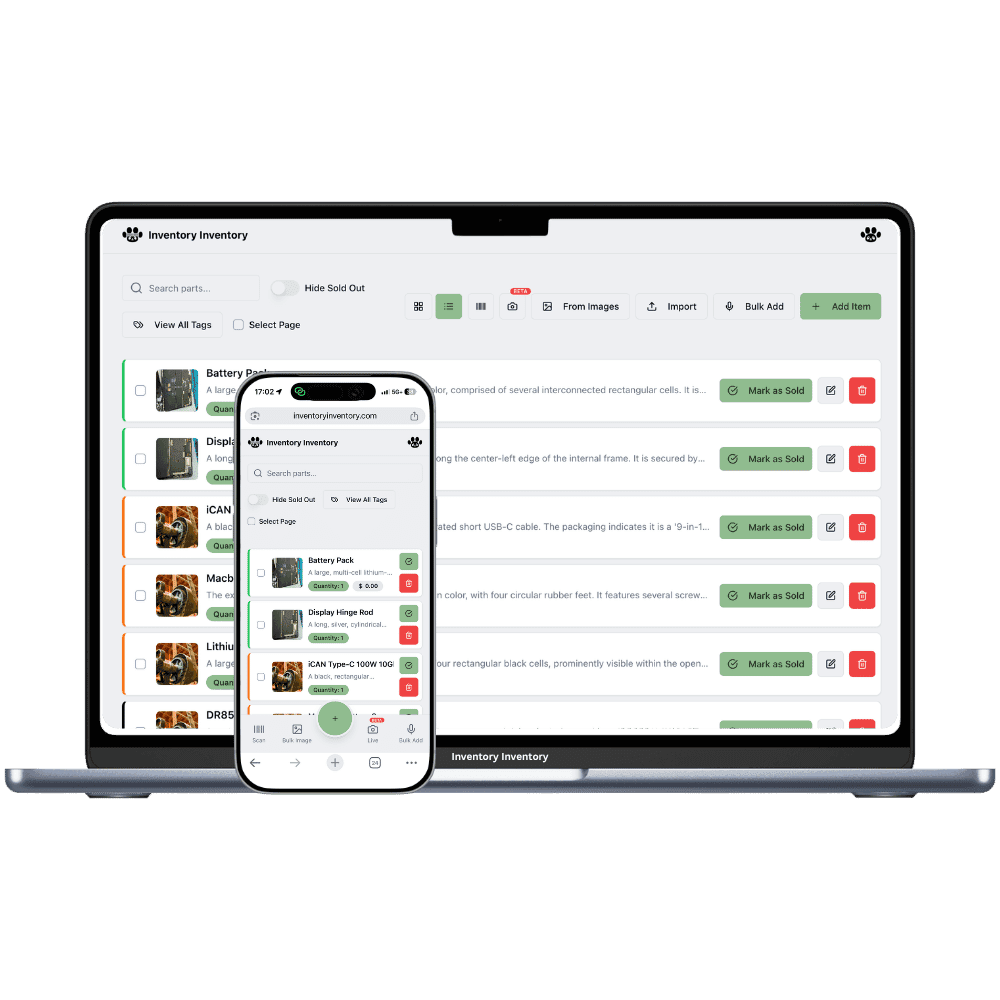
Hundreds of small, valuable pieces, many of them one of a kind. Inventory Inventory gives each one its photos, its ring size or serial number, and its place in the case.
A jewellery and watch shop holds a small number of items with a large value each, and many of them are one of a kind. An estate ring exists once, a watch has a serial number that matters to the customer and the insurer, and a ring in stock is a ring in one particular size. Pieces move between the window, the cases and the workbench through the day. When a customer asks whether the pear-cut ring comes in a 6, the answer has to be quick, and it has to be right the first time.
Inventory Inventory keeps each piece as its own item with its photos and the details that matter, in custom fields on every plan: Ring size, Metal, Stone, Carat and Serial number. On Pro and above the AI can fill an item from a photo of the piece. Draw the showroom in Warehouse Mode, on every plan, with each case as an aisle and its trays as floors, and place every piece. The activity log records every change with who, when and which device, and only the owner can delete items or see the business valuation.
Where the counts go wrong
One-of-a-kind pieces that look alike
Two solitaire rings can look identical in a list and differ in carat and size. Give each piece its own item with photos and custom fields for Ring size, Metal, Stone and Carat, on every plan, and tick several values at once in the field filter, such as every size 6 and 6.5 in white gold.
Watches tracked by serial number
A watch is one model but each one carries its own serial number. Keep each watch as its own item with a Serial number text field, generate a 13-digit barcode for it on Pro and above so it scans on its own, and the activity log shows every change to it with the user, the time and the device.
Which case, which tray
Pieces move between the window, the cases and the workbench. Draw the shop in Warehouse Mode, on every plan, with each case as an aisle and each tray as a floor, place every piece on its tray, and every move is logged, so the closing count matches the cases.
A Friday afternoon in Quebec City
At 1 pm a couple walks into a jewellery and watch shop in Quebec City asking for a vintage-style engagement ring in size 5.5. The owner, on the Pro plan, ticks 5.5 in the Ring size filter and Platinum in the Metal filter, and three rings appear with their photos, each with its case and tray. They choose one, the sale goes through Square, and the ring leaves the count within seconds. At 3 a customer needs a new leather strap; the owner scans its generated barcode and Square takes the sale. Before closing, an estate brooch bought that morning is photographed and the AI fills its description. The owner adds its metal and stone in custom fields and places it in case 2, tray 1.
How it works
1
Give every piece a record
Photograph each piece and let the AI fill the item on Pro and above, or type it in. Turn on custom fields for Ring size, Metal, Stone, Carat and Serial number, and generate a barcode for every piece that lacks one, on Pro and above.
2
Map the cases and trays
Draw the shop as a warehouse with each display case and the window as aisles and each tray as a floor, then place every piece on its tray so anyone on staff can find it from a search.
3
Sell and review
Connect Square on Pro and above so a sale removes the piece within seconds, and ask the AI Analyst, on Pro and above, for slow movers and the value at cost. Deleting items and the business valuation stay with the owner.
Frequently asked questions
How do I track ring sizes in jewellery inventory?
Add a Ring size custom field, on every plan, and fill it on each ring. Each ring in a different size is its own item, since there is no variant grouping, so a style stocked in three sizes is three items. The field filter lets you tick several sizes at once and see each ring with its photos and its case.
Can I record serial numbers for watches?
Yes, in a Serial number custom field, with each watch kept as its own item. Generate a 13-digit barcode for each on Pro and above and print a label, so a scan finds that one watch, and the activity log shows every change to it with the user, time and device. Entries cannot be edited.
What can staff see and do?
Team members, on Super and above, get only the permissions you give them, such as Scan items, Edit items or Move items, or a preset such as Warehouse staff. Deleting items, billing, team management and the business valuation are always owner-only.
Is there a free plan?
Yes. The Free plan holds up to 50 items with barcode scanning and custom item fields, and it needs no credit card. Upgrade only when you outgrow it.
Does it work on phones?
Yes. There are apps for iPhone and Android that turn your phone into a barcode scanner and show your live stock on the floor. Create your account on the web first, then sign in to the app with the same account.
Can I import my existing list?
Yes, on Pro and above: upload an Excel or CSV file and your columns are mapped automatically: name, quantity, price, barcode, SKU, cost, supplier, category, reorder level, expiry date and lot number. You review everything before it is saved.