
Review before it happens
The AI Assistant shows its plan; a connected assistant confirms each sale. Nothing is deducted silently.
No Square? Record sales by telling your AI, through a connected assistant, with the API, or with a scanner, and keep every store's count right.
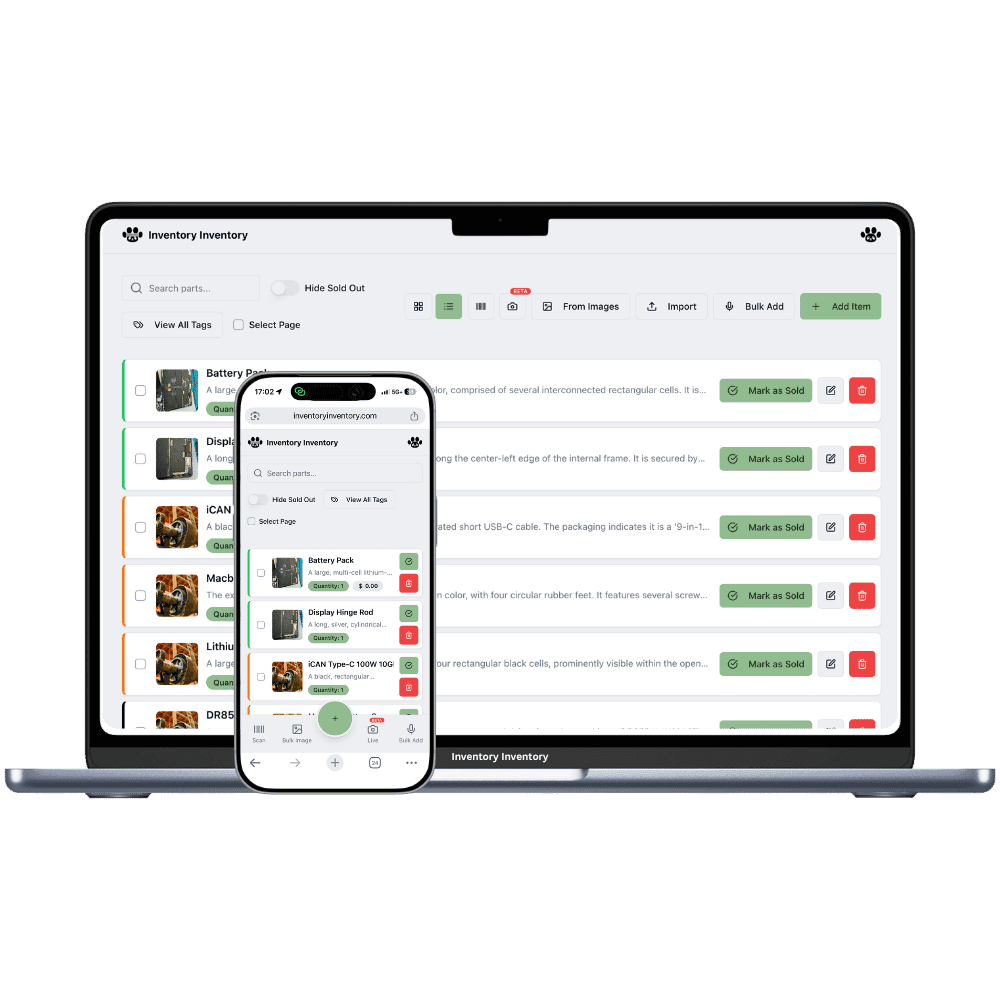
Not every business rings up sales on a system we can plug into: a market stall, a wholesale desk, a showroom with invoices, a store on a POS we do not integrate with yet. Stock still has to come down. Inventory Inventory gives four routes, and all of them land in the same place, with the same Activity Log entry and the same alerts and auto-reorder behind them.
The AI Assistant, in Warehouse mode, takes plain-language commands such as “we sold 3 of Product A from Warehouse B” and turns them into a plan you review and approve; nothing changes until you confirm. Each command counts as one AI action against the plan's monthly allowance (Pro 1,000, Super 3,000, VIP 10,000, Luxury 25,000, Space 60,000 on the current plans). For day-to-day sales entry we recommend the second route: connect the AI you already use (Claude, ChatGPT or Cursor) through the MCP connector. Its record_sale tool deducts from the record at the location you name, confirms with you first, and is logged with the app's name. You can paste a day's sales into the chat and let it record them line by line.
For systems that already have the numbers, the REST API's POST subtracts the quantities you send, within the plan's monthly API allowance (Pro 1,000, Super 5,000, VIP 25,000, Luxury 50,000, Space 200,000 calls, shared with MCP). And at the shelf, a registered scanner station deducts one unit per scan with no typing at all. One thing the spreadsheet importer does not do, for the time being, is deduct sales: it creates and updates items. If you have a sales file, the API or a connected AI is the way to apply it.
The AI Assistant shows its plan; a connected assistant confirms each sale. Nothing is deducted silently.
“From Warehouse B” or “at the downtown store” picks the right record when a product sits in several places.
Every route stops at zero and tells you, instead of hiding a miscount in a negative number.
Every sale appears in the Activity Log with who or what recorded it, and triggers alerts and auto-reorder.
Paste a day's sales into your connected AI, or send them to the API; allowances are shown on your profile.
Connect Square when you are ready; everything recorded until then is already in the same history.
A sale should take one sentence to record, and it should ask before it changes anything. That is what these routes do.
AI Assistant for occasional commands, a connected AI through MCP for daily entry, the API for your own system, scanners at the shelf.
Name the warehouse or location when a product is stocked in several places; otherwise the one record is used.
Approve the Assistant's plan or answer the connected AI's confirmation. The count changes and the log records it.
Yes. In Warehouse mode the AI Assistant turns “we sold 3 of Product A from Warehouse B” into a plan you approve before anything changes. Each command is one AI action against the monthly allowance. For regular use we recommend a connected AI through MCP, whose record_sale tool deducts at the location you name and confirms first.
Not for the time being. The importer creates and updates items; it does not deduct sales. Send the quantities to the REST API, which subtracts them, or paste the sales into your connected AI and let it record each line with record_sale, confirming before it deducts.
It changes them, after you approve. The AI Assistant shows every operation on a card first; a connected assistant through MCP must confirm with you before record_sale runs. Both are logged.
The AI Assistant, MCP connections and the API are included from Pro ($25 per month) on the current plans, each with a monthly allowance shown on your profile. Scanner stations deduct at the shelf on every paid plan.
Add the quantity back with the same routes: “3 of Product A came back to Warehouse B” in the Assistant, a scan at a receiving station, or an edit on the item. Every change is in the Activity Log, and the Analyst can tell you what moved.
Yes. Team permissions decide who can use AI features, and a scanner-only member deducts stock at the shelf without ever seeing cost prices or margins.
Start free with 50 items — no credit card, no trial countdown. Import your spreadsheet and you have a working system in minutes.
New here? See how it works, layer by layer.