
Describe by pointing
One photo replaces a name, a description and a lot of typing.
Snap a picture of any part and AI identifies it, names it and writes the description — so adding an unfamiliar item takes a photo instead of a paragraph.
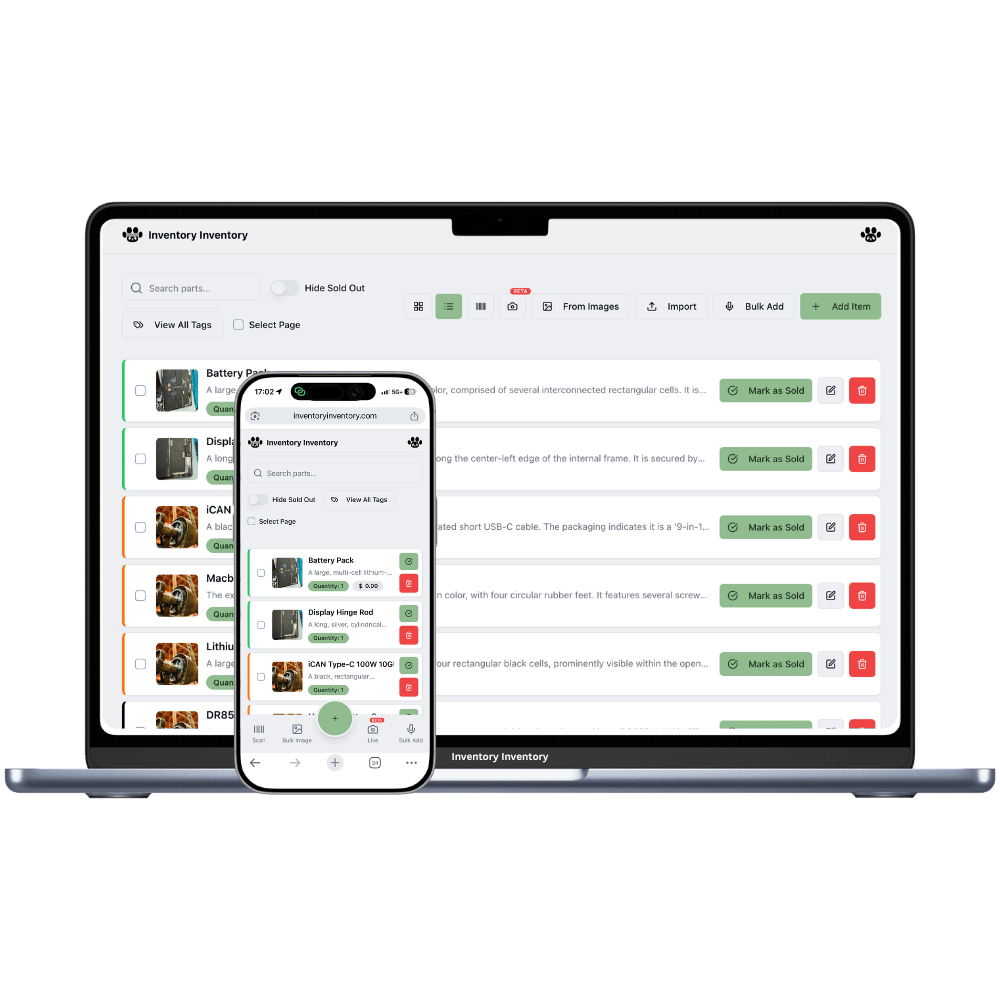
The slowest part of inventory is not counting — it is describing. Typing "M8 zinc-plated hex bolt, box of 100" for the fortieth time is where good intentions go to die, and it is why so many catalogues are full of entries like "bolts (small)".
Photograph the item instead. The AI identifies what it is, proposes a name and a proper description, and pre-fills the form. Because you set your field of business at signup, it interprets the image in context — an automotive parts shop and a bakery get very different readings of the same silver cylinder.
One photo replaces a name, a description and a lot of typing.
Your field of business tunes the model so identifications match your world.
Everything lands in an editable form — nothing saves without your say-so.
The photo becomes the item picture, so the catalogue is visual by default.
New staff can add items correctly without knowing the terminology.
If a similar name exists, you are asked whether to merge, create new, or skip.
Descriptions get written when writing them is free. That is the whole argument for photo entry.
Choose the camera option, then snap or upload a photo of the product.
A name and description are proposed within a couple of seconds.
Fix anything you like, set the quantity, and save. The photo stays as the item image.
Very good on distinctive, well-lit products and weaker on generic ones — a branded box is easy, an unmarked black bracket is hard. Setting your field of business improves it noticeably because the model interprets ambiguous shapes in your industry’s context. Since every result lands in an editable form before saving, a wrong guess costs a few keystrokes rather than a bad record.
Yes — select many photos at once and the AI identifies the most prominent item in each, groups them, and presents the whole set for review before anything saves. It is the fastest way to catalogue a shelf you have never entered.
AI capture is part of the Pro plan and above ($10/month). The free tier includes manual entry and barcode scanning for up to 50 items, so you can build a working catalogue without it.
Yes — the photo you capture becomes the item image, stored with your account, so your catalogue is visual without any extra step. Images are optimised on upload so they do not bloat your storage.
Start free with 50 items — no credit card, no trial countdown. Import your spreadsheet and you have a working system in minutes.