
Start from zero fast
Turn an unrecorded stockroom into a catalogue in an afternoon.
Select a folder of product photos and AI identifies each one, groups them, and hands you the whole batch to review before saving.
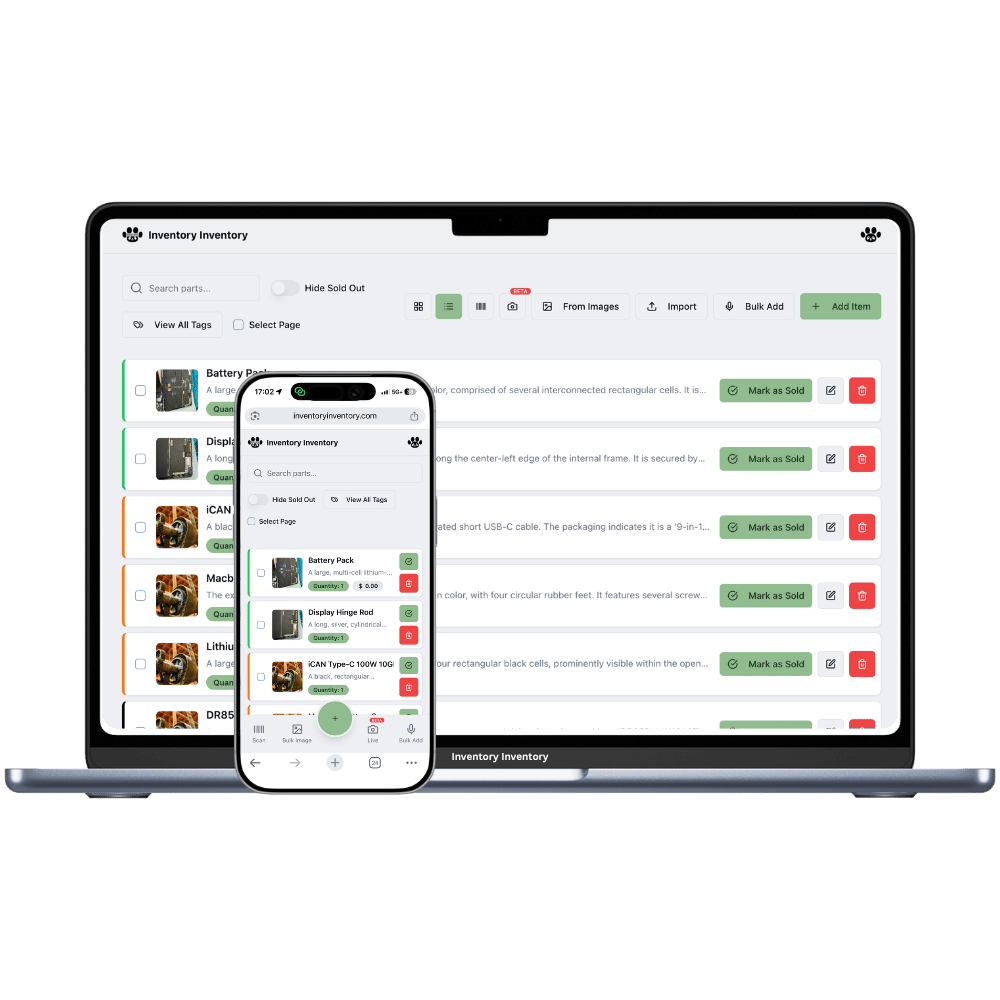
The hardest inventory task is the first one: getting existing stock into the system at all. Typing a hundred items by hand is a weekend nobody volunteers for, which is why so many businesses never start.
Photograph the shelf item by item — a few minutes of walking — then upload the lot. Each image is identified, similar results are grouped, and you get one review screen for the whole batch. Correct anything odd and save it all at once.
Turn an unrecorded stockroom into a catalogue in an afternoon.
The batch is presented together so you approve in a single pass.
Existing items are matched so you can add quantity instead of creating twins.
Your catalogue ends up illustrated without any extra work.
A live progress bar shows each image being processed.
You are warned before an import would exceed your plan’s item limit.
Most inventory projects die during initial data entry. Walking a shelf with a phone is the version people actually finish.
One clear photo per product, taken however fast you like.
Choose Bulk from Images and select them all at once.
Check the identified names, fix any outliers, and commit the whole set.
Two routes, and you can mix them. If you already have a spreadsheet, import it — that is the fastest path by far and AI maps your columns automatically. If your stock has never been recorded anywhere, walk the shelves photographing items and use bulk image upload. Both end in one review screen rather than hundreds of forms.
Enough for a normal cataloguing session — the batch is processed image by image with a progress indicator, and you are warned in advance if the number of new items would exceed your plan’s limit.
Similar results are grouped, and anything matching an existing item is flagged as a duplicate so you can add its quantity instead of creating a second record.
Yes, it is part of Pro and above. The free tier supports manual entry and scanning up to 50 items, which is usually enough to decide whether the AI features are worth $10/month for your catalogue size.
Start free with 50 items — no credit card, no trial countdown. Import your spreadsheet and you have a working system in minutes.