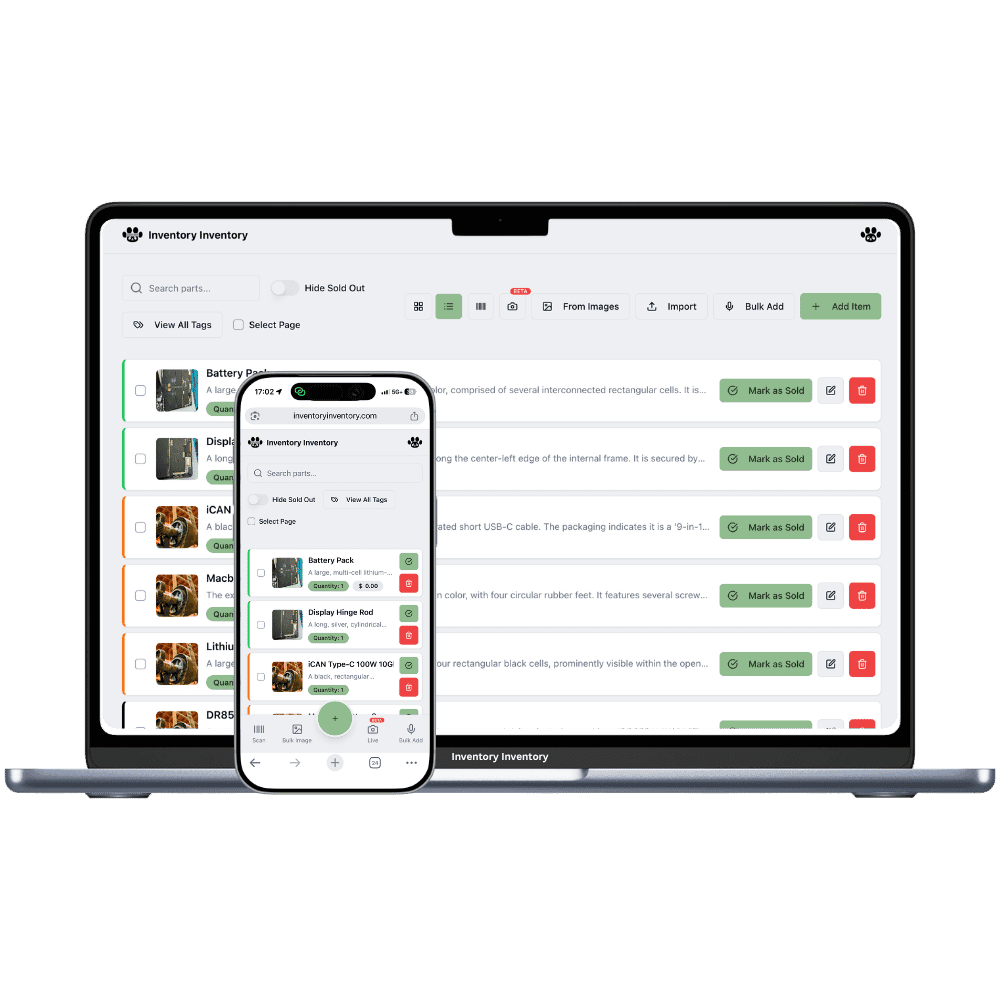
Forty bags of the same kibble from three production lots, treats that expire, and harnesses in five sizes. Inventory Inventory keeps each lot’s date and sells the oldest bag first.
Dry dog and cat food in large bags with best-before dates
Canned wet food by the flat
Treats, chews and dental sticks
Cat litter in bags and jugs
Leashes, collars and harnesses in every size
Aquarium food, filters and water conditioner
Bird seed, hay and small animal bedding
Flea and tick treatments
How pet stores keep count
A pet store sells food and supplies that behave very differently. Dry food arrives by the pallet in heavy bags, each stamped with a lot code and a best-before date, and the same recipe can sit on the floor from three production runs. Wet food comes by the flat, treats have short dates, and a single harness or sweater style comes in five sizes. Customers come back for the same food every month, so running out of one recipe costs a regular. The hard part is selling the oldest bags first and answering when a manufacturer names a lot.
Inventory Inventory tracks pet food by lot. Turn on Lot number and Expiry date, and each delivery of a recipe becomes a lot with its own code, best-before date and quantity; scans, Square sales on Pro and above, and API deductions take the soonest date first, and the activity log records which lots each sale took. Keep each harness size as its own item, since sizes are not grouped. Draw the floor and the back room in Warehouse Mode on every plan, and on Pro and above set reorder levels so the next food order drafts itself.
Where the counts go wrong
The same kibble from three production lots
A 13 kg bag of the same recipe can carry three different lot codes and dates on one pallet. Turn on Lot number and Expiry date and receive each delivery as a lot: the item’s quantity is the total, its Expiry date shows the earliest, and every scan and sale takes the soonest best-before first, so older bags leave before newer ones.
A manufacturer names a lot
When a pet food maker asks about a production lot, a shelf count does not answer. The activity log records every deduction with the lots it took, the user, the time and the device, and keeps about six months of entries, so you can see how many bags of that lot you received and when they left. It records the movement; it does not contact customers for you.
Harnesses and sweaters in five sizes
Each size of a harness, collar or coat is its own item with its own barcode, since sizes are not grouped into variants. Add a Size field and a Brand field, custom fields on every plan, and use the field filter to tick every size of one style at once when you count the wall. On Pro and above, generate barcodes for sizes that arrived without one.
Saturday morning food delivery
At 8 am the owner of a pet store in Ottawa, on the Pro plan, receives the dry food order. Receiving the purchase order creates a new lot for each recipe with the lot code and best-before date printed on the bag and the line’s cost. Twenty bags of the grain-free salmon go onto aisle 2, beside eleven older ones that will sell first. At 11 a regular buys two bags through Square, and the sale takes the oldest lot. At noon the owner filters by Expiry date, ticks Expires within 30 days, and moves two flats of wet food to the front. Mid-afternoon, the cat litter crosses its reorder level and a draft purchase order waits in the bell. Before closing, the AI Analyst lists the lots expiring next month.
How it works
1
Bring in food and supplies
Import your product list on Pro and above, or scan each barcode. Turn on Lot number, Expiry date, Supplier and Reorder level for food and treats, and add Size and Brand fields for collars, harnesses and coats.
2
Map the floor and the back room
Draw the store in Warehouse Mode with the food aisle, the aquarium wall and the back-room pallet racks as aisles with floors, and drag each product onto its place so staff find the right bag in the right row.
3
Let sales and deliveries keep the lots right
Receive each purchase order with its lot codes and dates, connect Square on Pro and above so each sale takes the oldest bag first, and let reorder levels draft the next food order for your approval.
Frequently asked questions
How do I track pet food by lot number and best-before date?
Turn on the Lot number and Expiry date fields and record each delivery as a lot with its code, date and quantity. The item’s quantity is the total of its lots, and every scan, Square sale and shipped order takes the soonest best-before date first. The activity log records which lots each deduction took, so a lot named by a manufacturer can be traced to when it left.
Can regulars order food ahead for pickup?
On VIP and above, Orders lets you make a sales order for a regular, confirm it to reserve the bags so they are not sold to someone else, pick and pack it, and choose customer pickup instead of a carrier. Stock is deducted at the handover, oldest lot first. On lower plans, set a reorder level so that recipe is never allowed to run out.
Does a pet store need a different item for every size?
Yes. Each size or colour of a harness, collar or coat is its own item with its own barcode and count, because variants are not grouped. A Size field and a Style or Brand field, custom fields on every plan, let you filter all sizes of one style at once, and tags, on Pro and above, can mark a whole range.
Is there a free plan?
Yes. The Free plan holds up to 50 items with barcode scanning and custom item fields, and it needs no credit card. Upgrade only when you outgrow it.
Does it work on phones?
Yes. There are apps for iPhone and Android that turn your phone into a barcode scanner and show your live stock on the floor. Create your account on the web first, then sign in to the app with the same account.
Can I import my existing list?
Yes, on Pro and above: upload an Excel or CSV file and your columns are mapped automatically: name, quantity, price, barcode, SKU, cost, supplier, category, reorder level, expiry date and lot number. You review everything before it is saved.