
Food lots and dates
Each store’s record holds its own lots, so the Expiry date on each record shows that store’s oldest bag. With Locations on VIP and above, a Square sale at one store takes that store’s soonest best-before date and no other.
Two pet stores carry the same recipes but sell them at different speeds and hold different lots. Locations, on VIP and above, keep each store’s bags and dates separate and the total in one list.
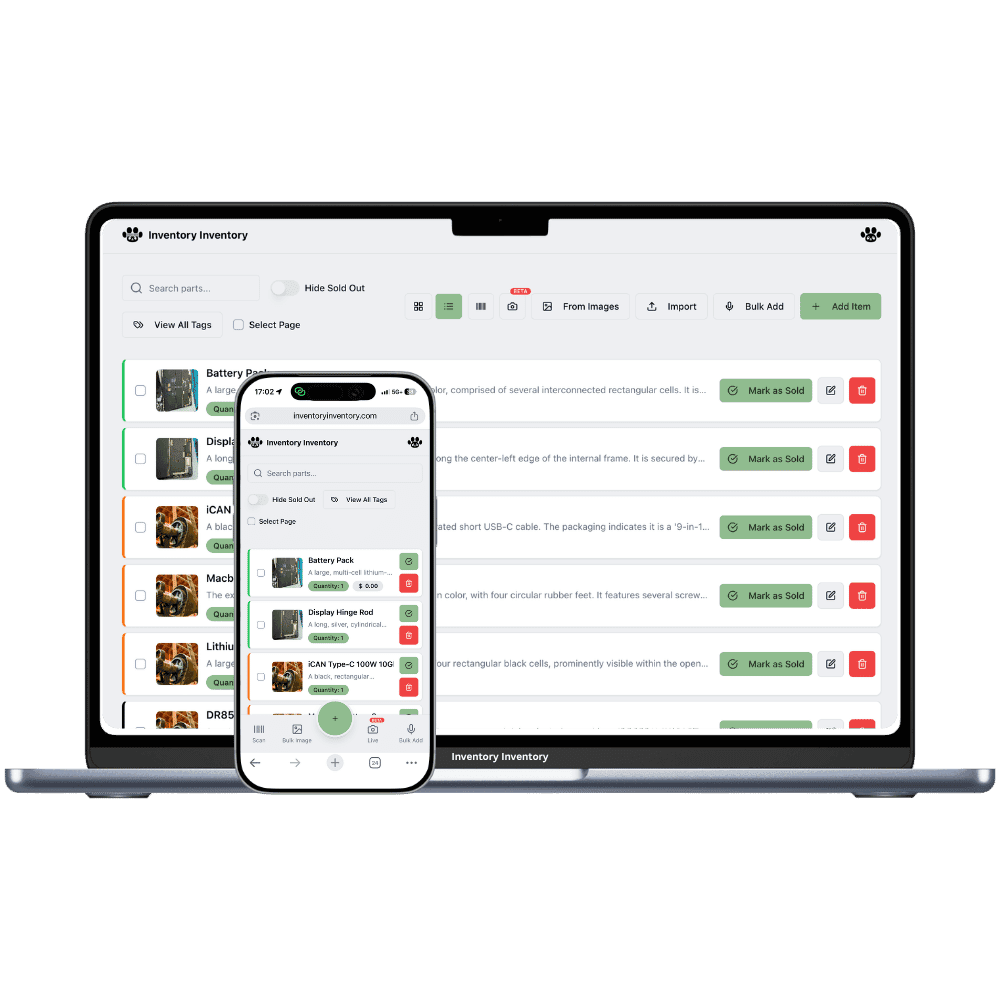
The second pet store is where food counts get hard. The suburban store sells large bags of dog food by the pallet, the city store sells small bags and cat food, and each holds its own lot codes and best-before dates. A customer calls one store for a recipe the other has on the shelf. Toys and collars get carried across in someone’s car. A shared spreadsheet cannot say which lots sit at which store, and a single count for both lets a sale at one quietly lower the other.
Locations, on VIP and above, give each store its own record of the same product with its own quantity, lots, best-before dates, reorder level and price, while the inventory list groups them by barcode and shows the total. Untracked supplies such as leashes, toys and aquarium filters move with Transfer to another location, and the transfer is logged. Food tracked in lots cannot be transferred yet, so receive each store’s share as its own lot on that store’s record.
Each store’s record holds its own lots, so the Expiry date on each record shows that store’s oldest bag. With Locations on VIP and above, a Square sale at one store takes that store’s soonest best-before date and no other.
Large bags move at the suburban store and small bags in the city. Reorder levels are set per location on VIP and above, while purchase orders are drafted for the whole workspace, grouped by supplier, so one food order covers both stores.
On VIP and above, saving a price on a store’s location tab sets that store’s Square price by location, so a bag of kibble can carry a different tag at each store. The All locations tab sets one price everywhere, and a Square sale always comes off the store that made it.
On a Tuesday in March the owner, on the VIP plan, gets one dog food delivery for both stores. The grain-free lamb is tracked by lot and best-before date, so instead of splitting it with a transfer, she records Waterloo’s ten bags on the Waterloo record as their own lot and Kitchener’s thirty on Kitchener’s. Waterloo is short on aquarium filters, which carry no lots, so she opens the item, chooses Transfer to another location, and sends six from Kitchener; both records change and the transfer is logged. Waterloo sells through its own Square location at its own prices, and each sale deducts only from Waterloo’s oldest lot. On the inventory list, the lamb recipe shows once with both stores and the total.
Not yet for food tracked in lots. Items with lot numbers or best-before dates cannot be transferred between locations for the time being, so record each store’s share of a delivery as its own lot on that store’s record. Untracked supplies such as toys, leashes and filters move with Transfer to another location, on VIP and above, and every transfer is logged.
Each store’s record keeps its own lots, so with Locations on VIP and above you can open the product at each store and see its lot numbers and dates. The activity log records which lots each deduction took at every store, with the user, time and device.
No. Team members, on Super and above, sign in with Google or Apple plus your business join password, and their permissions apply to the whole account, not per store. What is per store is the scanning device: each phone or barcode gun is approved at a scanner station at that store.
Yes. The Free plan holds up to 50 items with barcode scanning and custom item fields, and it needs no credit card. Upgrade only when you outgrow it.
Yes. There are apps for iPhone and Android that turn your phone into a barcode scanner and show your live stock on the floor. Create your account on the web first, then sign in to the app with the same account.
Yes, on Pro and above: upload an Excel or CSV file and your columns are mapped automatically: name, quantity, price, barcode, SKU, cost, supplier, category, reorder level, expiry date and lot number. You review everything before it is saved.
Start free with 50 items, no credit card: scan or type them in, or import your spreadsheet on Pro and above.
Another kind of shop? See every store type.