
Instant lookup
A scan jumps straight to the item, its quantity and its aisle and floor.
Scan existing barcodes to find or add items, generate codes for products that have none, and print labels one at a time or twelve to a sheet.
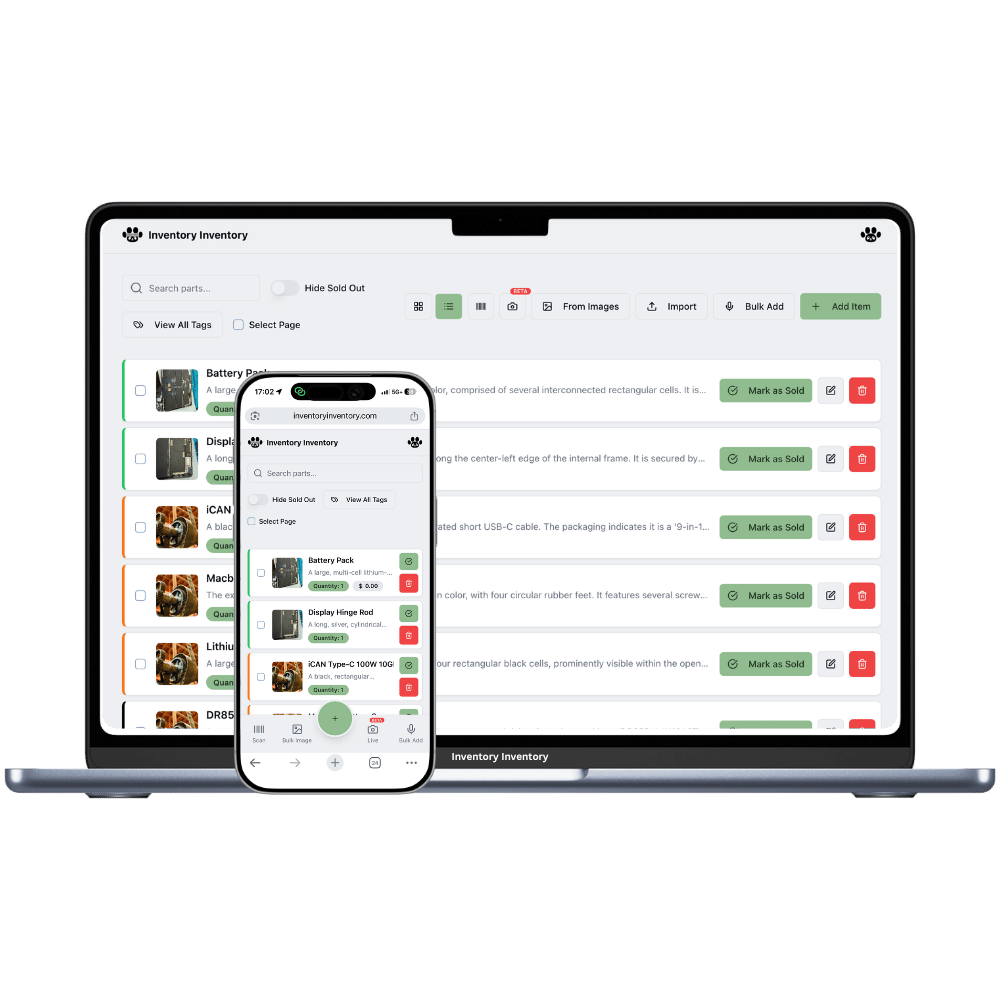
Barcodes solve one specific problem extremely well: they remove typing from repetitive work. Every manual entry is a chance to transpose a digit or pick the wrong similar-looking item; a scan is a single unambiguous action.
Everything here is built around that. Scanning a known code opens the item with its quantity and shelf location. Scanning an unknown code offers to create it, pre-filled. Items without barcodes can have one generated and printed, which is the normal path for loose parts, homemade goods and repackaged stock.
A scan jumps straight to the item, its quantity and its aisle and floor.
Unknown codes open a pre-filled new-item form instead of a dead end.
Any item can be assigned a generated barcode in one click.
One label for a single item, or a 12-per-page sheet as a PDF.
Who scanned, at which station, on what device, from which IP.
Phone cameras and Bluetooth or USB guns both work with no configuration.
The value of barcodes is not speed alone — it is that a scan cannot fat-finger a quantity onto the wrong item.
Use existing UPCs, or generate barcodes for items that have none.
Single label or a sheet of twelve, straight to PDF.
Look up, add, and adjust stock in and out from any registered device.
Three steps, and it takes an afternoon. First, decide which items already have manufacturer barcodes — scan those and they are done. Second, generate and print barcodes for anything unlabelled. Third, put one scanning device at the place stock actually moves, usually receiving. Do not try to barcode everything at once; start with your fastest-moving hundred items.
Yes — any item can have a barcode generated and printed as a single label or as a sheet of twelve on standard paper, exported as PDF. Most small businesses print sheets and stick them on as stock arrives.
Phone cameras handle typical volumes perfectly well through the iPhone and Android apps. A cheap Bluetooth gun becomes worthwhile once someone is scanning continuously — it is faster and far kinder on the hand — and it needs no configuration because it types like a keyboard.
Standard retail formats such as UPC and EAN scan normally, and generated codes use a common numeric format that any scanner reads. If your suppliers already label goods, those codes work as-is.
Start free with 50 items — no credit card, no trial countdown. Import your spreadsheet and you have a working system in minutes.