
No more overselling
The website count follows the shelf count within seconds — in both directions — so customers can only buy what actually exists.
Connect your Shopify store and stock stays honest in both directions — online orders deduct inventory here seconds after they land, and quantity changes here push straight back to your storefront.
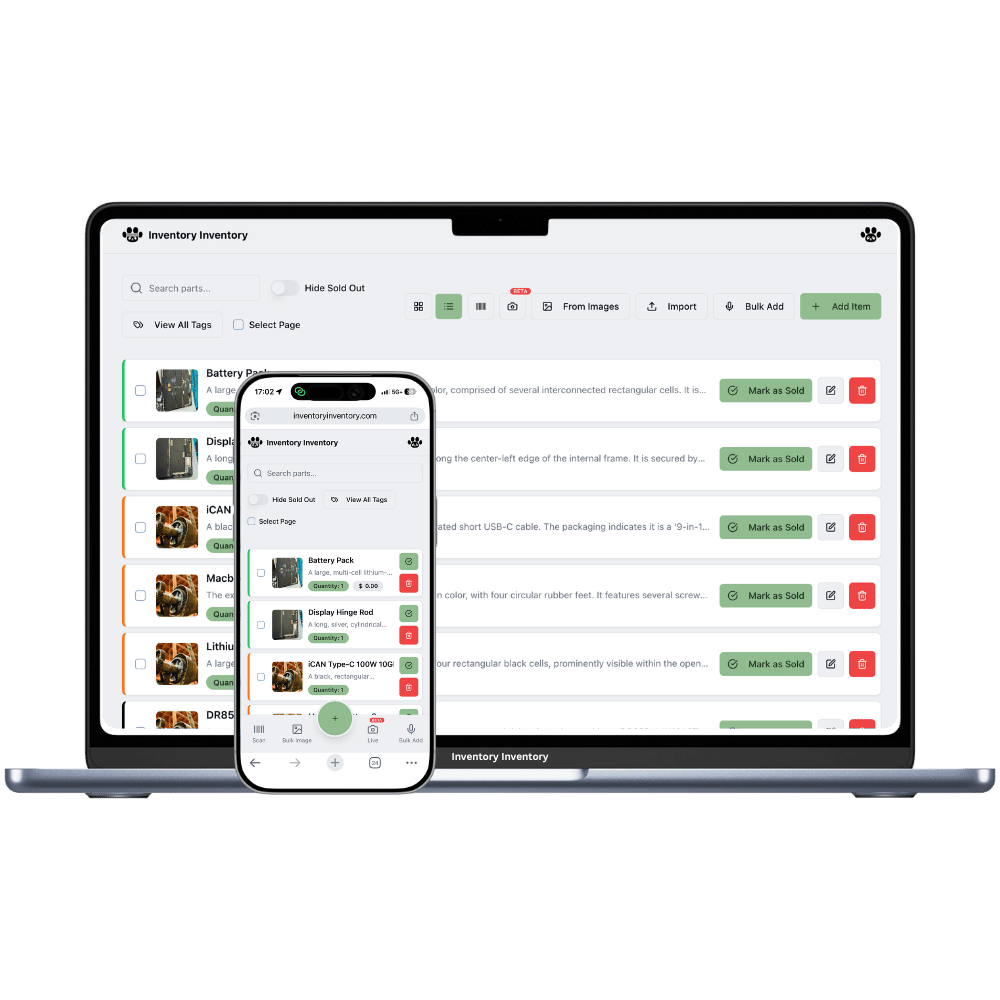
If you sell on Shopify but keep real stock in a back room, garage or warehouse, you have two versions of the truth: what the website says and what the shelf says. Every mismatch is either an oversell (refund, apology, bad review) or a phantom sold-out (silent lost sales). Shopify inventory sync keeps the two numbers identical by wiring your store to your physical inventory system.
With Inventory Inventory connected, an online order deducts the sold items here seconds after it lands — matched by barcode first, then SKU, then exact product title, and remembered permanently after the first match. The deduction is logged like any scanner activity, so low-stock alerts and auto-reorder react to web sales exactly as they do to floor sales. Recounts and corrections made in the Shopify admin flow back the same way.
It works in the other direction too: scan something out on the warehouse floor, receive a purchase order, or fix a count, and your storefront's available quantity updates automatically. When the last unit leaves the shelf, your store shows sold out — before someone orders what you no longer have.
The website count follows the shelf count within seconds — in both directions — so customers can only buy what actually exists.
Every Shopify order lands in the activity log as a scan-out, so low-stock alerts and auto-reorder treat online sales like any other sale.
Barcode, then SKU, then exact title — matched once, remembered forever. Renames don't break the link, and unmatched products trigger one clear alert.
Pick which Shopify location syncs. Sales and counts at other locations are left untouched.
Batch-tracked items deduct soonest-expiry-first when web orders come in — the same discipline as the rest of the platform.
The connection handshake runs entirely server-side. Your store credentials are never exposed to the page.
Orders in, deductions here; scans here, counts there. The sync converges from both directions within seconds — with every movement logged, alertable, and reorderable.
On the Integrations page, enter your .myshopify.com domain and approve on Shopify's own consent screen. No tokens to copy, nothing technical.
Give items the same barcode or SKU their Shopify variants carry — matches are made on the first sale and remembered permanently.
Web orders, floor scans, deliveries and corrections all move one shared number — and alerts, reports and reordering run off it.
Connect the store on the Integrations page (enter your .myshopify.com domain, approve on Shopify's screen), then make sure items share a barcode or SKU with their Shopify variants. From then on orders deduct stock here automatically, and stock changes here update your storefront — no CSV exports, no manual recounts.
That is its main job. Every quantity change here — a floor sale, a damaged unit, a correction — pushes to your storefront's available count within seconds, so the website can't sell stock that's already gone. And when an online order lands, your count here drops immediately, keeping every other channel honest too.
You get one gold alert naming the product and what's missing — usually a barcode or SKU on your item. Add it, and the very next sale syncs. Matches are cached permanently, so this is a one-time fix per product, not a recurring chore.
Not yet — a refund is a judgement call (is the unit sellable?), so we leave the restock to you: adjust the quantity in either system and the other follows within seconds. Everything else stays in step automatically: quantities, SKUs, barcodes, prices, names, descriptions and photo galleries sync in both directions.
Yes — Shopify POS sales create orders like any other channel, so they deduct here the same way. If you also run Square hardware, the Square integration runs side by side; each channel's sales land in the same shared count.
Pro and above ($10/month), same as all integrations. Connect from the Integrations page — owner accounts only, since it touches billing-level settings.
Start free with 50 items — no credit card, no trial countdown. Import your spreadsheet and you have a working system in minutes.