
Hands-free capture
Add items while holding them, which is when you actually know what they are.
Describe an item out loud and AI parses the name, description and quantity. No keyboard, no forms — just say what you are holding.
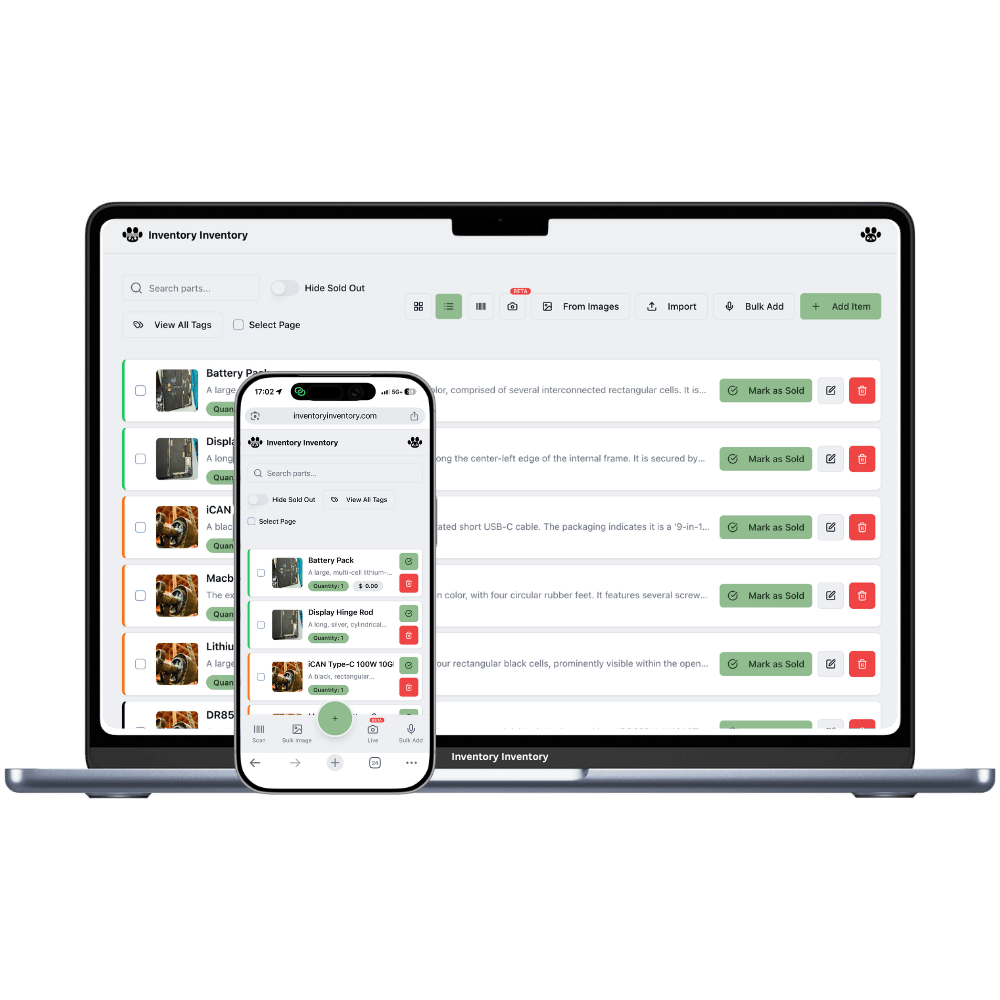
Voice entry suits the physical reality of stock work. You are standing at a pallet holding something; a keyboard is somewhere else entirely. Saying "twelve boxes of blue nitrile gloves, medium" is faster than any form.
The AI extracts the structured pieces — item name, description, quantity — and hands you a filled form to check. You are never trusting speech recognition blindly; you are just skipping the typing.
Add items while holding them, which is when you actually know what they are.
"Twelve boxes of" is understood as a quantity, not part of the name.
No command grammar to memorise — speak the way you would to a colleague.
The transcript and the parsed fields are both editable.
New staff can add stock without learning your naming conventions first.
Voice entry is available on iPhone and Android as well as the web.
People describe inventory out loud all day. Voice entry just captures it instead of letting it evaporate.
In Add Item, choose voice and start describing the product.
Name, description and quantity are separated into the right fields.
Correct anything, then save — including the option to bulk-add a whole spoken list.
It uses your device’s own speech recognition, so it performs the way dictation already does on your phone — generally good with accents, less reliable next to loud machinery. The transcript is editable, so noise costs you a small correction rather than a wrong item.
Yes — Bulk Add from Voice is built for exactly that. Record yourself listing items and quantities, and the AI structures the entire list into rows you review together before saving.
Yes, on both iPhone and Android, which is where it makes the most sense — you are usually standing in front of the stock rather than at a desk.
Fix it in the form before saving, or edit the transcript and resubmit. Nothing is written to your inventory until you confirm, so a misheard word is never a data problem.
Start free with 50 items — no credit card, no trial countdown. Import your spreadsheet and you have a working system in minutes.