
It learns your rules, once
Standing parameters are saved to your workspace and applied to every question — thresholds, focus areas, tone, even language.
An AI analyst that runs on YOUR rules. Tell it how your business works — busy days, expiry thresholds, which warehouse matters most — then ask for stock reports, reorder forecasts and expiry-risk summaries whenever you need them.
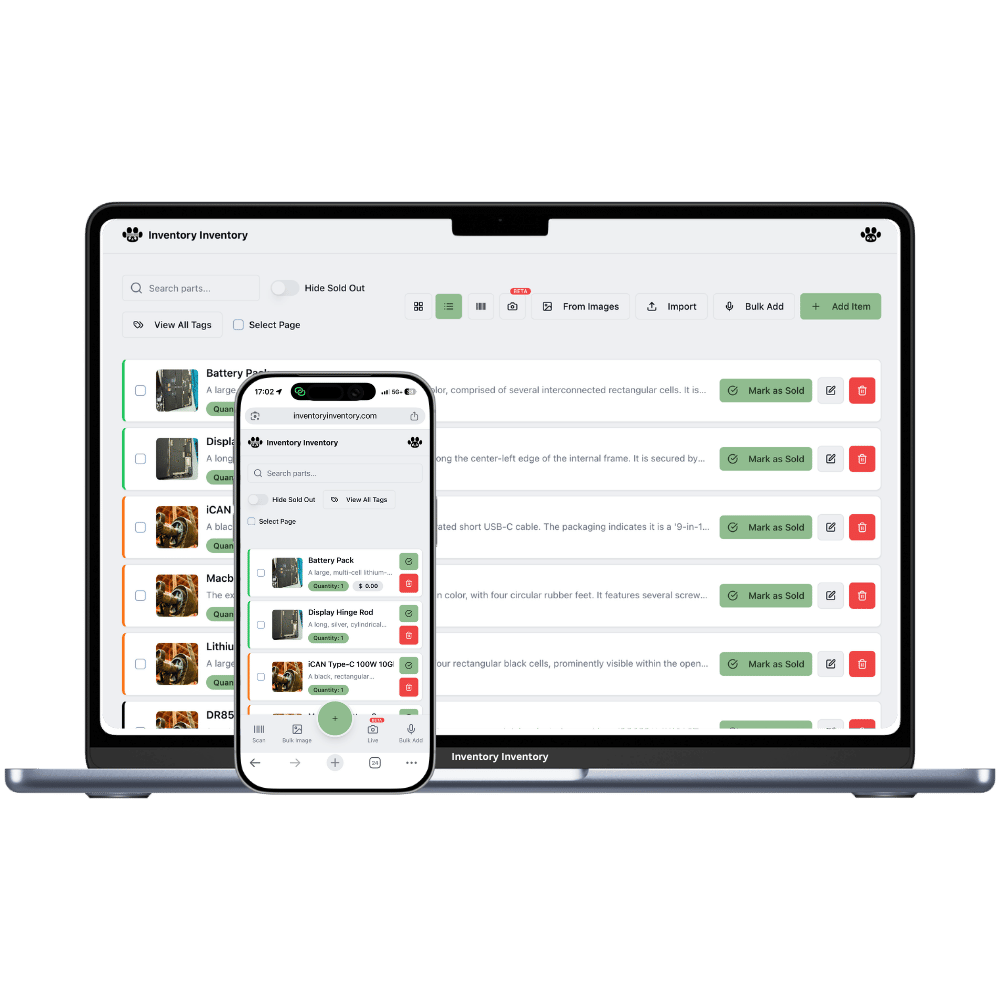
Most "AI inventory" tools are a fixed reorder formula with a chat window on top. Forecasting that people actually trust starts somewhere less glamorous: an accurate live count, a logged history of every scan, sale and move, and reorder points that reflect real supplier lead times. That is the data a forecast is made of — without it, any prediction is a guess wearing a suit.
Inventory Inventory keeps that foundation for you automatically, then puts an analyst on top of it. Ask for a stock report and it reads your live inventory and activity log on demand — it never answers from stale copies. Ask what will hit its reorder level in the next two weeks and it projects from what actually moved, telling you what the estimate is based on rather than presenting it as certainty.
The part that makes it feel like YOUR analyst: standing parameters. Write, in plain language, how your business works — "weekends sell double", "flag anything expiring within 10 days", "focus on Warehouse 2 first", "keep reports short, in French" — and every answer and report from then on follows those rules, without you repeating them.
Standing parameters are saved to your workspace and applied to every question — thresholds, focus areas, tone, even language.
Low stock, slow movers, expiry risk with the money tied up in it, unusual device activity — one click each, structured with recommended actions.
Reorder projections come from your real scans and sales, and the analyst says what each estimate is based on. No black-box certainty.
The analyst queries your data live instead of loading it all — the same speed for a market stall or a 500,000-item warehouse.
It can analyze everything and change nothing. Reports and forecasts never touch your stock records.
Give staff AI access with one permission. They use the analyst under your parameters — your cost prices stay as visible or hidden as their role allows.
The analyst combines your standing instructions with live queries of your stock and activity — so "what should I reorder before the weekend?" is answered the way YOUR business needs it answered.
One click from the main menu. Available on Pro and above; team members join with the AI permission.
Plain language, no syntax: what to watch, what counts as low, how you want reports formatted. Saved once, applied everywhere the analyst answers.
Use the one-click report chips or type your own question. Every answer is built from your live inventory and activity at that moment.
It can project honestly from your history — which items are moving, how fast, and when they will cross their reorder levels at the current pace. What it will not do is pretend certainty: every forecast states what it is based on. The quality follows your data, which is exactly why the platform keeps counts and activity logs accurate for you first.
Anything you can say in a sentence: seasonality ("weekends sell roughly double"), thresholds ("flag anything expiring inside 10 days"), priorities ("Warehouse 2 first"), formatting ("short reports, bullet points"), even language. There is no rule syntax to learn — you write it the way you would brief a new employee.
Yes — a dashboard shows fixed charts and leaves the interpretation to you. This is conversational: you ask, it queries your live data, and it answers with the numbers plus what they mean under your parameters. For fixed-question monitoring, pair it with AI Alerts, which watch thresholds around the clock.
No. The analyst is read-only by design — it can query your inventory and activity but cannot modify a single record. Reordering stays in the purchasing flow, where drafted purchase orders always wait for your approval.
Start simpler: accurate counts, reorder levels matched to supplier lead times, and alerts. That removes most stockouts on its own. Forecasting earns its keep once you have movement history worth projecting from — and because the platform logs that history from day one, the analyst gets sharper the longer you use it.
Start free with 50 items — no credit card, no trial countdown. Import your spreadsheet and you have a working system in minutes.