
No per-user billing
Seats come with the plan. Adding a weekend employee costs nothing extra.
Bring your staff into your live inventory with their own accounts — and without per-seat pricing that punishes you for hiring.
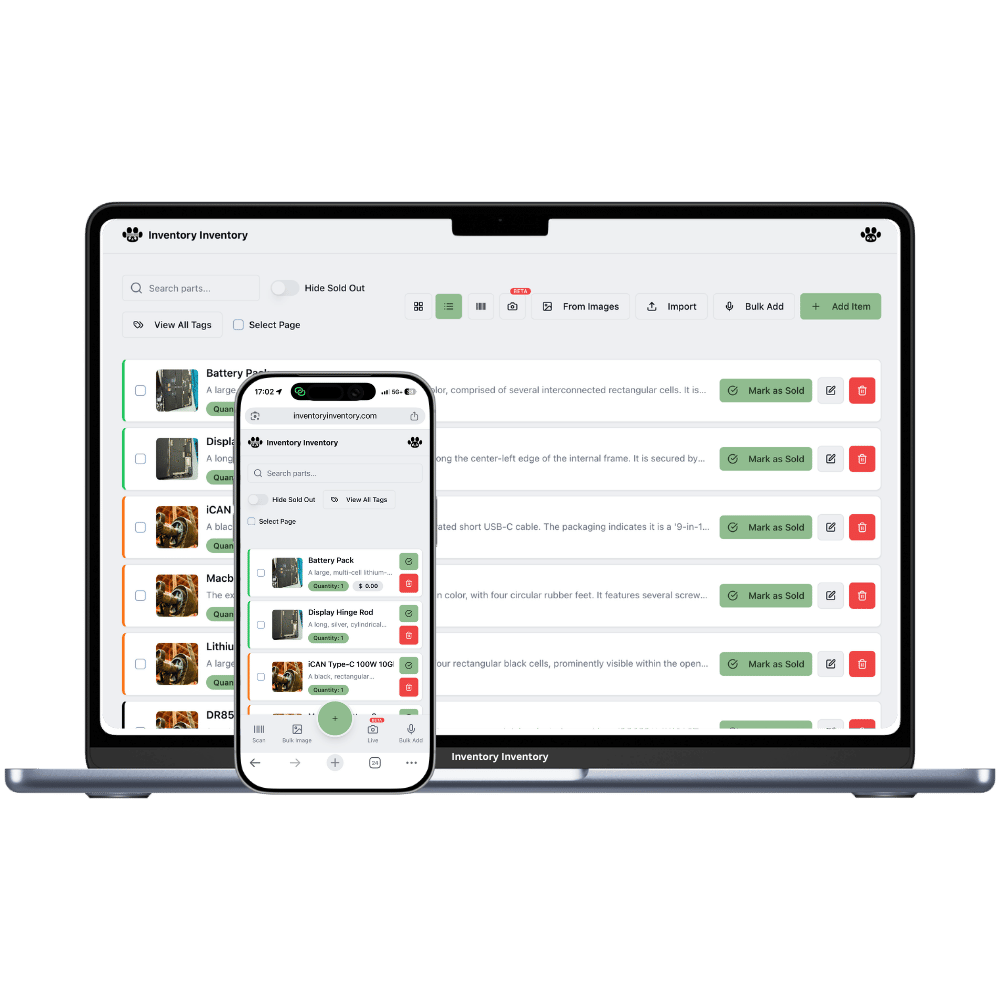
Sharing inventory with a team is not just about logins. It needs three things at once: one live number everyone reads from, attribution so you know who did what, and limits so a new hire cannot accidentally rewrite your pricing.
Team members here sign in with their own Google account plus a per-business password you set, join your workspace, and see your inventory scoped to exactly the permissions you granted. Nothing is copied, exported or duplicated — they are working in the same data you are.
Seats come with the plan. Adding a weekend employee costs nothing extra.
Every action is attributable, and offboarding one person affects nobody else.
Everyone reads and writes the same stock level in real time, on web and mobile.
Grant scanning only, or full operations — their view adapts to what they can do.
Revoke membership and access ends immediately across every device they own.
Members use the same iPhone and Android apps with their own credentials.
Per-seat pricing quietly taxes growth. Team members are included in Super and above — 4, 10, 50 or 500 of them — with no per-person charge.
Add the member on the Team page, choose their permissions, and set a join password.
They sign in with Google and enter the password once to enter your business.
Their scans and edits appear in your activity log, attributed to them.
As many as your plan includes — 4 on Super, 10 on VIP, 50 on Luxury, 500 on Space — all working simultaneously in live data. There is no lock-out or check-out model: two people can update different items at the same moment without conflict.
No, and that is deliberate — per-seat pricing is the most common complaint about inventory tools. Seats are bundled into the plan, so the cost of adding a seasonal worker is zero.
Only if you allow it. Business valuation — stock value at cost, at retail and your margin — is owner-only and no permission unlocks it. Per-item prices are visible to members who can edit items, so a scan-only member sees quantities and locations without your pricing.
Remove them from the Team page and delete their device registrations. Access stops immediately everywhere, including their phone, because permissions are verified on every request rather than trusted from the app.
Start free with 50 items — no credit card, no trial countdown. Import your spreadsheet and you have a working system in minutes.