
Ask in plain language
Stock questions answered inside Cursor from live numbers, no dashboard switching.
Building something on top of your stock? Add Inventory Inventory as a remote MCP server in Cursor, sign in once, and let the agent read live inventory while it writes your dashboard, report or integration.
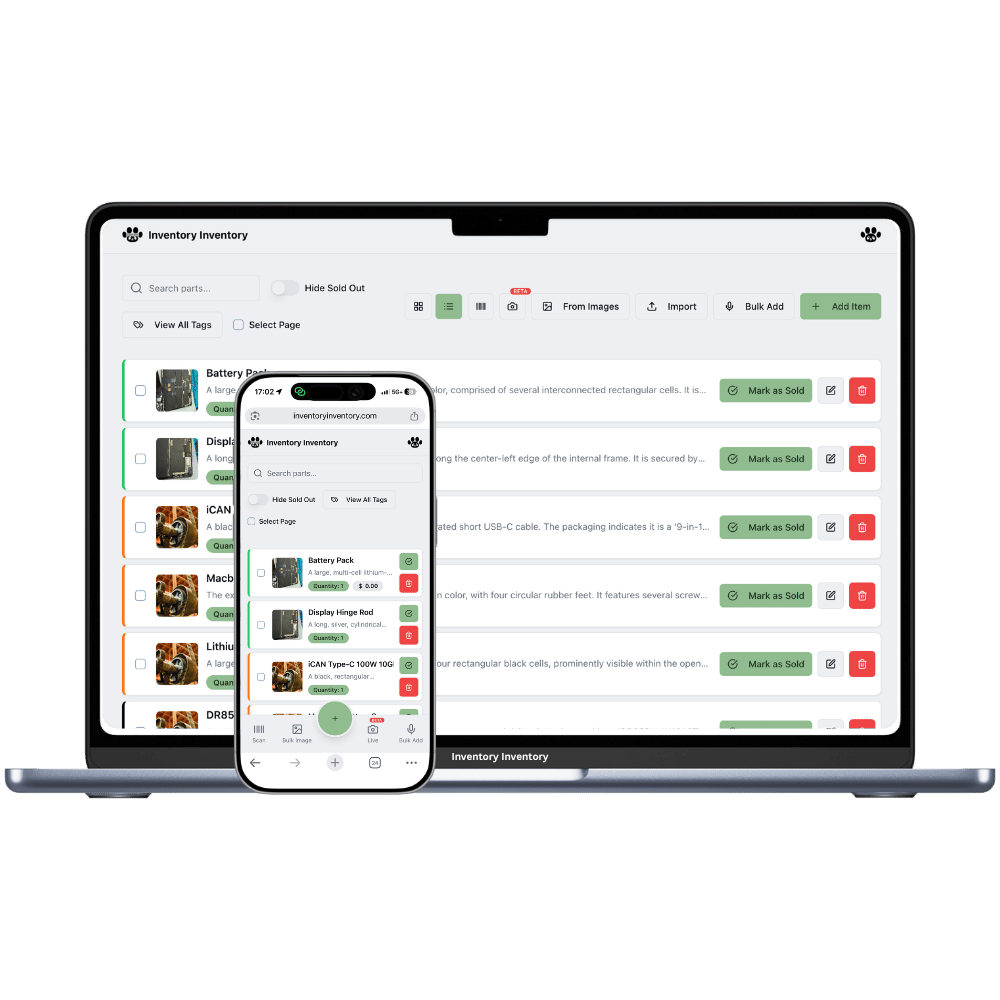
Inventory Inventory publishes an MCP server — the open Model Context Protocol that Anysphere's Cursor and the other major assistants use to reach outside systems. In Cursor, add a remote MCP server (Settings → MCP, or a .cursor/mcp.json file) with the server URL; Cursor opens the sign-in window in your browser.
Once connected, Cursor has six tools: list inventory, get an item, low stock, expiring soon, inventory summary, and record a sale. Reads return only items you marked “Include in API”, with quantity, price, cost, supplier, reorder level, expiry batches and location. A sale recorded from Cursor is transactional, never goes below zero, deducts the soonest-expiring batch first, lands in your activity log attributed to Cursor, and triggers alerts, auto-reorder and Square or Shopify sync like any other sale.
Access is OAuth 2.1 with PKCE: a consent screen names the app and its return address, tokens expire in an hour and rotate, and every connection is listed under Connected AI apps on your profile with a one-click revoke. No AI runs on our side for MCP — the model is the Cursor you already use.
Stock questions answered inside Cursor from live numbers, no dashboard switching.
Small on purpose: few context tokens, nothing to confuse the model.
record_sale is flagged destructive, so Cursor confirms first. FEFO on batches, always logged.
Google sign-in, consent screen, expiring tokens, revoke from your profile.
Per-item “Include in API” controls visibility — the same rule as the REST API.
The same server works in Claude, ChatGPT, Cursor, Gemini tooling and agents you build.
The best inventory interface is the one you are already typing into.
In Cursor, add a remote MCP server (Settings → MCP, or a .cursor/mcp.json file) with the server URL; Cursor opens the sign-in window in your browser.
A window from inventoryinventory.com asks you to sign in with Google and approve read access, and optionally recording sales.
Low stock, expiries, values, a specific SKU — or record a sale. Revoke any time from Profile → Connected AI apps.
Open Cursor's MCP settings and add a remote server with the URL https://inventoryinventory.com/api/mcp, or add it to .cursor/mcp.json as { "mcpServers": { "inventory-inventory": { "url": "https://inventoryinventory.com/api/mcp" } } }. Cursor opens a browser window to sign in with Google and approve; after that the tools are available to the agent in every chat.
Cursor is where developers build on the data: it can call list_inventory to see real field names and values while writing a Google Sheets script, a dashboard, a forecast notebook or a storefront integration, so the code it writes matches your actual inventory instead of a guess. It can also answer quick stock questions while you work.
Only if you approved “Record sales” at sign-in, and even then only through record_sale, which the agent must confirm with you and which never goes below zero. Everything else is read-only. Revoke the connection from your profile whenever a project is done.
Access uses OAuth 2.1 with PKCE, the standard Google and the major banks use for third-party apps. Tokens expire in an hour, refresh tokens rotate on every use, and any connection can be revoked from your profile. Cursor only sees items you exposed, and the one write tool must confirm with you and can never take stock below zero.
MCP access is part of the Pro plan at $10 per month, with the AI features, imports, purchasing, store integrations and the REST API. Free accounts can connect, but tool calls are declined with an upgrade link.
Start free with 50 items — no credit card, no trial countdown. Import your spreadsheet and you have a working system in minutes.