
Correct store, every sale
Store A's sale deducts Store A's count. Store B keeps its own number, even for the same barcode.
Several Square locations, one inventory account. Map each Square location to its own store, and every sale deducts from that store's stock only.
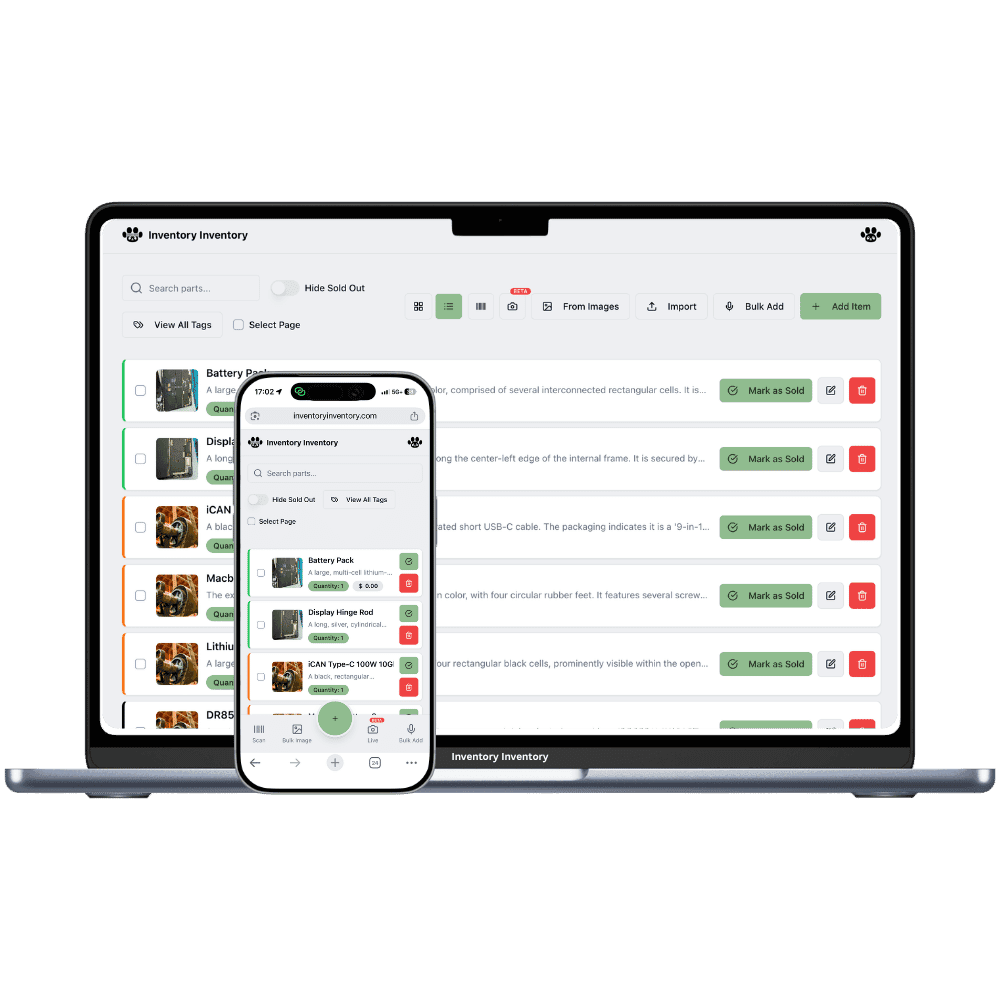
A Square merchant account can have several locations: one per store. With Locations (VIP and above), each Square location is mapped to one of your own locations, and that location's warehouses hold that store's stock. A completed order at a Square location deducts from the product's record inside the mapped location, the selling warehouse first, then another warehouse in that location that holds the item. Records in other locations are untouched.
Stock edits made in Square flow into the matching location the same way, and quantity edits here push to the Square location mapped to the record's warehouse. A location with no Square mapping, such as a distribution center, pushes nothing, so central stock never shows up as store stock. On Pro and Super, which have no Locations, the one Square location you choose syncs with your single record per product.
One rule worth knowing before you plan an account structure: a Square merchant account connects to one Inventory Inventory account at a time. A second account that tries to connect the same Square merchant is refused, so nothing is overwritten or disconnected by mistake. For several stores under one Square account, use one Inventory Inventory account with Locations. A store with its own separate Square account can have its own Inventory Inventory account.
Store A's sale deducts Store A's count. Store B keeps its own number, even for the same barcode.
A warehouse location without a Square mapping is never mistaken for shelf stock in a store.
Saving a price on a location's record sets that location's price in Square, nothing else.
Completed orders deduct seconds after they close, logged in the Activity Log like a scan.
Low-stock alerts and auto-reorder react to the store that actually sold out.
Connect Square once for the account; map and unmap locations as stores open and close.
The first store is easy. The second is where counts start crossing over. Mapping each Square location to its own stock keeps them apart.
On the Integrations page, connect your Square account. One connection covers every Square location you have.
In Locations, choose Import from Square. Each Square location becomes one of yours; put that store's warehouses inside it and pick the selling warehouse.
The Integrations page now reads Syncing by location. Each store's sales deduct from that store's stock, automatically.
Yes, with Locations (VIP and above). On the current plans VIP covers 2 locations, Luxury 5 and Space 10; each Square location is mapped to one of yours. Pro and Super sync one chosen Square location.
Yes, once the store is mapped to its own location. A product kept in several locations has one record per location, and a completed Square order deducts from the record inside the mapped location. Other locations are untouched.
The quantity of the record in the location mapped to the Square location that made the sale, starting with the selling warehouse you picked. Without Locations, there is one record per product and that is the one that changes.
Not for the time being. A Square merchant account connects to one Inventory Inventory account at a time, and a second connection attempt is refused rather than replacing the first. Use one account with Locations for several stores under one Square merchant.
Leave it unmapped. Its records push nothing to Square, so central stock never appears as store stock. Use Move between locations when stock ships from the warehouse to a store.
A plan with Locations: VIP, Luxury or Space on the current plans, depending on how many stores you run. Square sync itself is included from Pro.
Start free with 50 items — no credit card, no trial countdown. Import your spreadsheet and you have a working system in minutes.
New here? See how it works, layer by layer.