
Availability per site
Each location’s record carries its own on hand, reserved and available figures.
Each location keeps its own stock record, its own availability and its own Ready Orders Room. An order reserves from the place you name, so a promise in one store is never covered by stock in another by mistake.
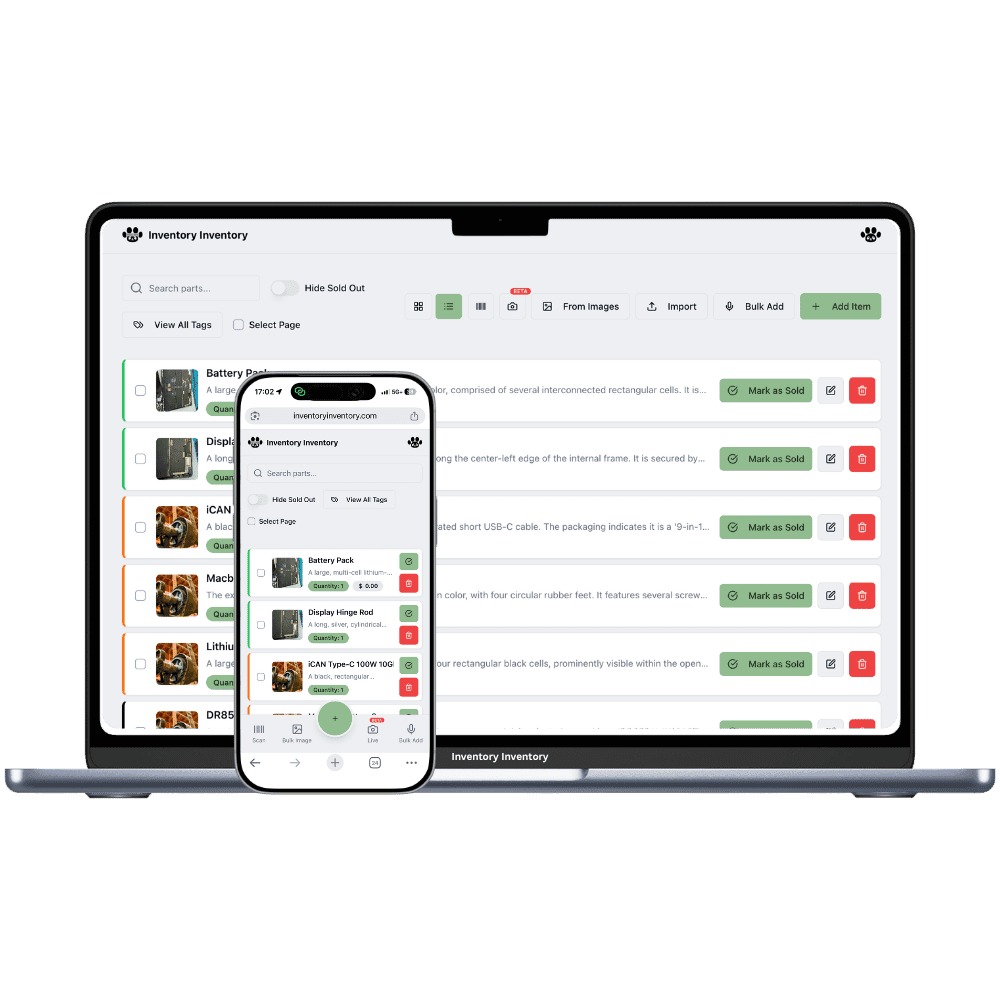
Locations are the level above warehouses: a store, a building, a site. A business on VIP can run two, Luxury five and Space ten. The same product keeps one record per location, and the records share a barcode or SKU, so you always see each place’s quantity and the total. Sales orders follow that structure. A line names a record, and confirming reserves from that record alone.
That rule is what keeps promises honest. If the downtown store has four and the warehouse has forty, an order for ten from downtown shows a shortfall of six; it does not quietly borrow from the warehouse. The order is still confirmed, the shortfall is recorded on the line, and you decide how to cover it. The AI Analyst explains it the same way: a short line is short at that location, never "out of stock" when another location holds the product.
Picking stays inside the location: the pick list sorts by warehouse, then aisle, then floor from that site’s map. Once a box is labelled it appears in that location’s own Ready Orders Room in the 3D view, so dispatch is never mixed between sites. Moving stock between locations as part of an order is not automated today; you transfer stock as you do now and the records update.
Each location’s record carries its own on hand, reserved and available figures.
A line reserves only from the record it names. Stock elsewhere is a shortfall, not a promise.
Labelled boxes wait in the room of the location they were packed at.
Records that share a barcode or SKU are the same product; the list shows each place and the total.
Pick lists follow the map of the location the order is for.
Square locations sync to their matching location, so counts and orders line up.
Shared product, separate records. An order is a promise from one place, and the numbers at that place are the only ones it can spend.
Add each store or building, with its own warehouses and map.
Pick the record at the location that will fulfil the order. Confirm, and that record is reserved.
The pick list walks that site; the labelled box waits in its Ready Orders Room until the carrier comes.
Yes. Each location keeps its own record of a product, and an order line reserves from the record you name. Locations are available on VIP (two), Luxury (five) and Space (ten), the same plans that include orders.
No. The line shows a shortfall for the location it names. You can transfer stock between locations as you do today and confirm the line is then covered, but the system never borrows silently.
Because it sits in two locations. Records that share a barcode or SKU are the same product in different places, by design, and the list shows each place’s quantity plus the total.
One per location, behind a door in that location’s 3D warehouse, so each site sees only its own boxes waiting for the carrier.
Yes. The AI Analyst reports a short line as short at that location and the AI connector groups same-product records with their total, so neither calls a product out of stock when another location holds it.
Start free with 50 items — no credit card, no trial countdown. Import your spreadsheet and you have a working system in minutes.
New here? See how it works, layer by layer.