
Your shop, your orders
Push web-shop orders in as they arrive, confirmed and reserved, with your order number as externalId.
Two REST endpoints cover the whole order life: list and create orders, then confirm, pick, label, ship, cancel or reopen one. Same key, same quota and same state machine as the web app.
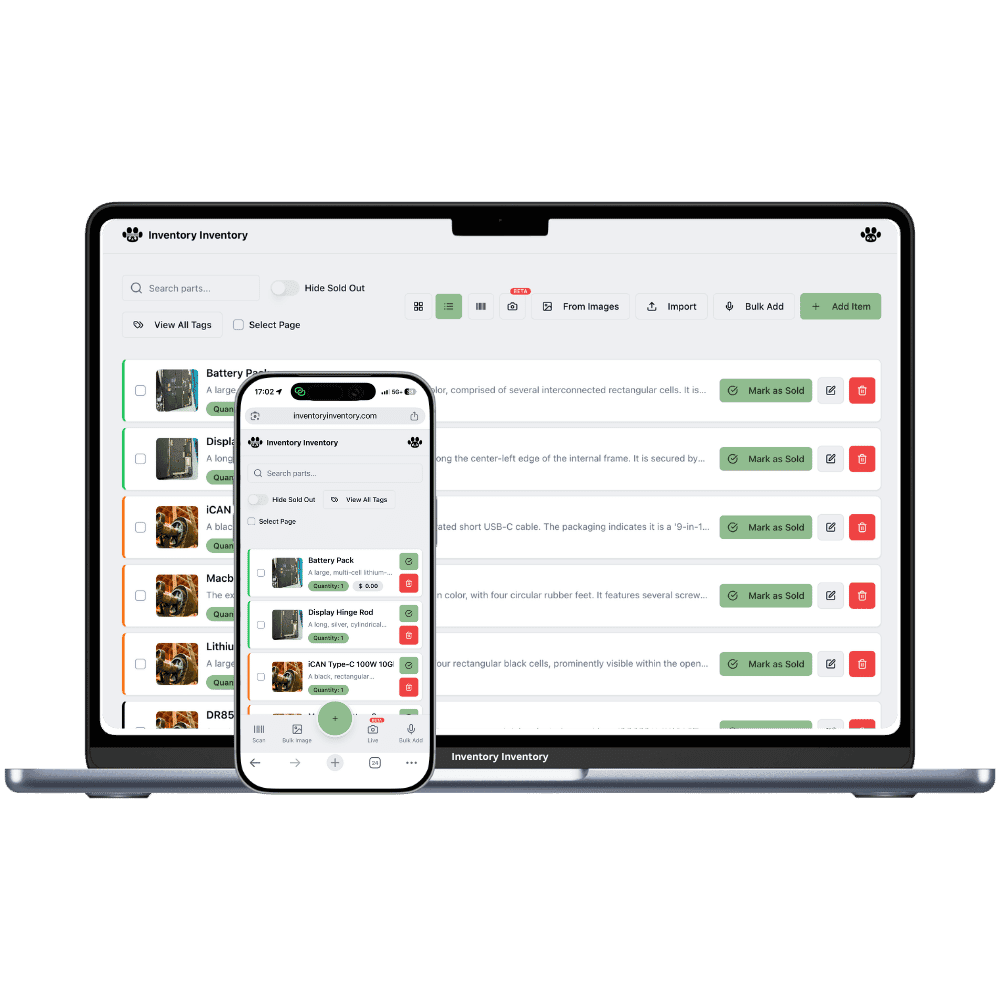
The sales order API is part of the same developer API as your inventory. Authenticate with your Bearer API key, and every request spends one unit of the plan’s monthly quota, shared with the AI connector. Items follow the Include in API rule, so an order line can only name an item you chose to expose. The base URL is https://inventoryinventory.com/api/v1/orders.
GET /api/v1/orders lists orders newest first, filtered by status (open by default, or draft, confirmed, picking, packed, ready, shipped, cancelled) and by customer, up to 200 at a time. POST /api/v1/orders creates one from a customer, lines of itemId and quantity, an optional note and an optional externalId, your own order number, which makes the call safe to repeat. Pass confirm: true to reserve stock at once. GET /api/v1/orders/SO-0012 returns one order by number or id with its lines, picks, reservations, shortfalls, shipment and, once shipped, the lots each line took.
POST /api/v1/orders/SO-0012 acts on an order: confirm; pick with an itemId and quantity (negative undoes); ready, which marks the box labelled and waiting for the carrier, with carrier, tracking number and the scanned order code; ship with carrier, tracking number, packages and weight; cancel with a reason; reopen, which takes a cancelled order back to draft. Any action may carry an opId so a retried request does the work once. Everything goes through the same orders service the web app uses, so the state machine, the reservation rules and the activity log are identical. Orders created this way show source "api" on the Orders page.
Push web-shop orders in as they arrive, confirmed and reserved, with your order number as externalId.
externalId on creation and opId on actions make every call idempotent.
The API never bypasses the rules: the same service that runs the Orders page runs your calls.
Lines, reserved, picked, short, shipment, carrier, tracking link and shipped lots in one GET.
Purolator, Canada Post, UPS, FedEx, USPS and DHL get a public tracking link; pickup and other are accepted too.
The API documentation page carries curl examples for every call.
Create and list on one, act on the other. If you can send JSON, you can run fulfilment from your own system and let Inventory Inventory keep the count honest.
From the Developer tab in the app. Mark the items your integration may use as Include in API.
Customer, lines, externalId and confirm: true. The stock is reserved and the order appears on the Orders page.
POST confirm, pick, ready, ship, cancel or reopen to the order’s URL as your warehouse moves.
Yes. GET and POST /api/v1/orders list and create orders; GET and POST /api/v1/orders/{id} read one and act on it (confirm, pick, ready, ship, cancel, reopen). Orders are included on VIP, Luxury and Space; other plans receive a clear error.
Send your own order number as externalId on creation and an opId on actions. A repeated call with the same value does the work once and returns the same result.
Yes, by design, as the web app does. The order is confirmed with what could be reserved and the response lists the shortfall per line. Nothing is deducted until the order ships.
Only the ship action does, when the box is handed to the carrier. Creation and confirmation reserve stock; picking records who took what.
Every request to any /api/v1 endpoint and every AI connector tool call spends one unit of the plan’s monthly quota, with a per-minute limit as well. The limits for each plan are on the documentation page.
Not yet. Poll GET /api/v1/orders with a status filter, or read one order by its number. Outbound notifications are on the list.
Start free with 50 items — no credit card, no trial countdown. Import your spreadsheet and you have a working system in minutes.
New here? See how it works, layer by layer.