
Never sell the same unit twice
Confirmed orders hold their stock, so the available number is what you can still promise.
Confirming a sales order holds the units it needs. Your inventory shows what is on hand, what is reserved for orders and what is still free to sell, per shelf and per location.
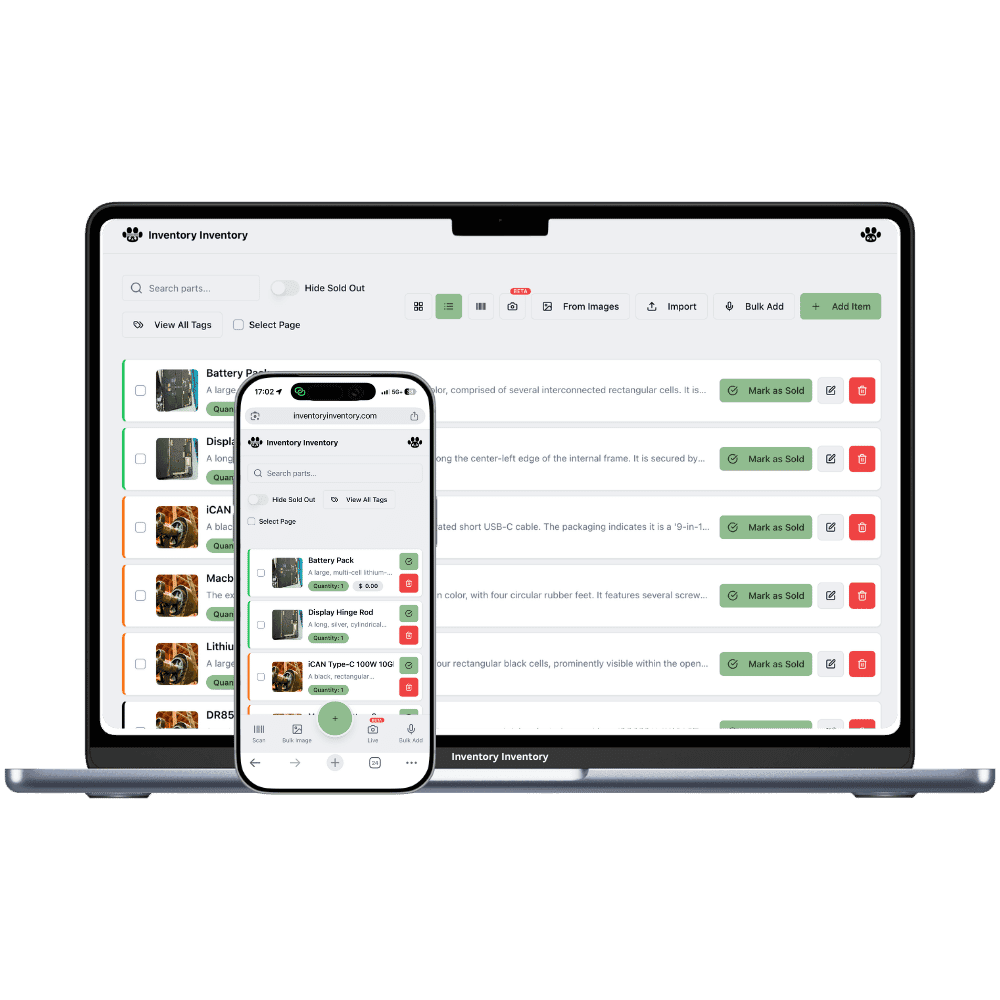
On hand is what is physically on the shelf. Reserved is what confirmed orders have claimed. Available is the difference, and it is the number that matters when a customer asks "can I have twelve?". Inventory Inventory keeps all three: a draft order touches nothing, confirming it reserves its lines, and the inventory list shows the available figure with a "+N reserved for orders" badge next to it.
Reservation is per record. A business with several stores or buildings keeps one record of a product per location, and a line is reserved from the record it names. Stock sitting in another location does not count toward that line, so the order shows a shortfall rather than promising units that are somewhere else. The shortfall is recorded on the order, line by line, and the order is still confirmed so the rest of the work can start. The AI Assistant marks any line above the available figure before you approve it, and the AI connector returns a notice with the short lines.
A reservation ends one of two ways. Cancelling the order releases the units at once. Handing the order to the carrier turns the reservation into a deduction, lots first-expired-first-out, one activity entry per line. The on-hand count never moves at confirmation or at picking. The phone apps and the developer API report the on-hand figure; the web app, the AI Analyst and the connector also show reserved and available where something is reserved.
Confirmed orders hold their stock, so the available number is what you can still promise.
A line that cannot be fully reserved says so at confirmation, with the missing quantity.
Availability is per record, so a promise in one store is never covered by stock in another by accident.
On hand only changes when the box leaves. Reserved and available do the promising.
The AI Analyst answers "what is reserved for this customer?" and "which open orders are short?" in a sentence.
AI Alerts can tell you when an order is confirmed with a short line, in the app and by email.
On hand, reserved, available. Confirming moves units from available to reserved, shipping moves them off the shelf, and nothing else touches them.
Its lines are reserved and the items show a "+N reserved for orders" badge.
The inventory list shows on hand minus reserved, per record and per location.
Shipping deducts the reserved units; cancelling releases them.
The quantity you can still sell without breaking a promise already made: on hand minus what confirmed orders have reserved. Inventory Inventory shows this figure on the inventory list with a badge for the reserved part.
No. Confirming reserves stock, so available drops but on hand stays the same. The on-hand count drops at hand-over, when the order is marked shipped.
The order is confirmed with the units that could be reserved, and the missing quantity is recorded on that line as a shortfall. The AI Assistant flags the line before you approve, and the connector returns a notice. Nothing is deducted.
No. Each line reserves from the record it names, and each location keeps its own record. Stock elsewhere shows as a shortfall on the line rather than being promised from the wrong place.
The iPhone and Android apps and the developer API report on-hand stock. Reserved and available are shown in the web app, by the AI Analyst and by the AI connector.
Reservation comes with sales orders, included on VIP, Luxury and Space.
Start free with 50 items — no credit card, no trial countdown. Import your spreadsheet and you have a working system in minutes.
New here? See how it works, layer by layer.