
Fewer half-loaded pages
Without a tunnel in the way, scripts and data arrive together and the page loads in full.
We do not recommend using a VPN with Inventory Inventory. If you have to, a few settings make it far more reliable.
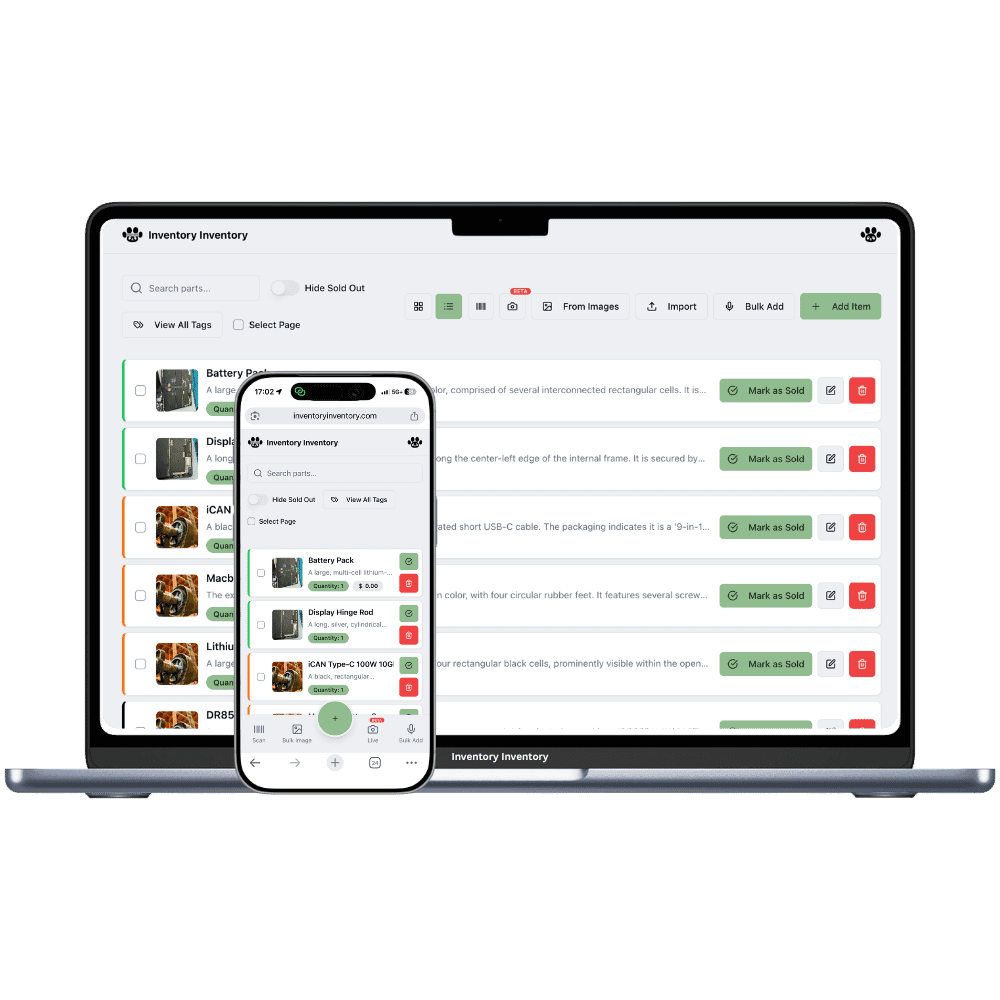
Opening Inventory Inventory is not one request. The browser loads the app’s scripts, signs you in, reads your inventory from the database and loads product photos, and each of these comes from a different host. All of them have to arrive for the page to work.
A VPN sends that traffic through a tunnel. If the tunnel drops, slows down or blocks any one of those hosts, you see it as a page that only half loads, photos that stay blank, or a screen that says "Application error: a client-side exception has occurred". Nothing is wrong with your account. The browser simply could not fetch everything it needed.
One thing a VPN never affects is image processing. When you import photos or add them in the item editor, the fetching and resizing happen on our servers, not through your connection.
Without a tunnel in the way, scripts and data arrive together and the page loads in full.
Product photos load directly instead of waiting on a tunnel that may throttle them.
Sign-in depends on reaching the identity service cleanly, which a tunnel can interrupt.
Photo fetching and resizing run on our servers whatever your connection does.
Saves that completed before a drop are stored safely. A reload brings everything back.
If a page breaks behind a VPN, one reload after the tunnel reconnects is usually enough.
Use full-tunnel mode, switch it on before you open the site, use Chrome, and reload the page after any reconnect. These four habits remove most of the problems.
Connect in full-tunnel mode before opening Inventory Inventory, not while it is loading.
Chrome gives the most predictable results behind a VPN.
If the VPN drops and comes back, reload the page so every part loads through the new tunnel.
It usually does, but we do not recommend it. The app loads from several hosts, and if the VPN drops or throttles any of them, part of the page fails to load. If you need a VPN, use full-tunnel mode, connect before opening the site, use Chrome and reload after any reconnect.
The page needs scripts, sign-in, database reads and photos to arrive from different hosts. A VPN that blocks or slows one of them leaves the page incomplete. Reload once the tunnel is stable, or turn the VPN off.
Photos load from a separate host. If the tunnel throttles or blocks it, the photos stay blank while the rest of the page works. Your photos are still stored. Reload with a stable connection and they appear.
No. Fetching and resizing photos from an import happens on our servers, so your VPN has no effect on it. A VPN can only affect how quickly photos display in your own browser.
Split tunnelling sends some traffic through the VPN and some outside it. With a web app that loads from several hosts, that split can land in the middle of a page. Full-tunnel mode, where everything goes through the VPN, is more predictable.
Start free with 50 items — no credit card, no trial countdown. Import your spreadsheet and you have a working system in minutes.
New here? See how it works, layer by layer.