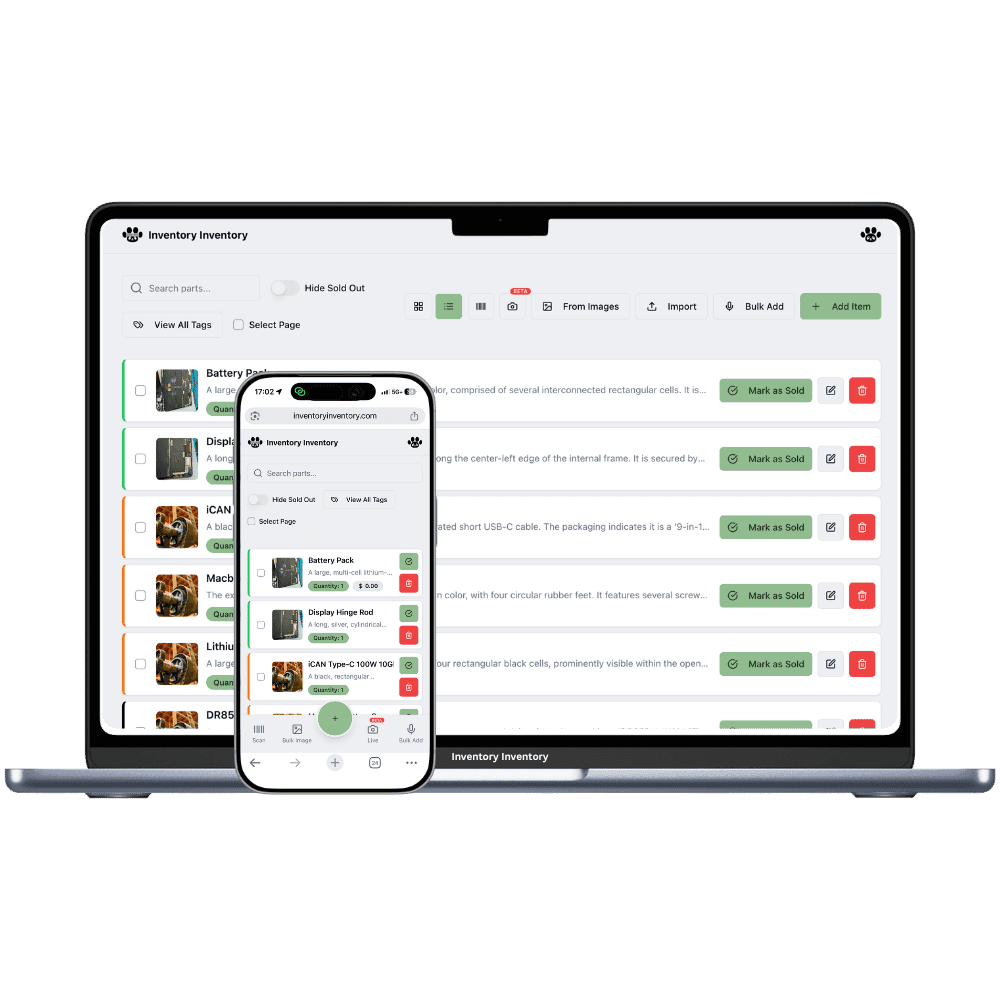
Farm and feed supply stores with more than one location
Two farm stores in two trading areas, each with its own yard, its own lots and its own busy season. Locations, on VIP and above, keep them apart and the total together.
Running farm and feed supply stores across locations
A farm supply business with a second store serves two farming areas that do not buy the same things. One store sits in cattle country and moves mineral, ear tags and calving supplies, while the other serves grain farms and moves seed, fertilizer and baler twine. Feed and vaccine lots arrive at each store with their own dates, and a shared count hides which store holds the lot that expires first. Seasons shift too: one area seeds a week earlier, and its store needs fertilizer on the floor first.
Locations, on VIP and above, give each store its own record of the same product, with its own quantity, lots, reorder level and price, and the inventory list groups them by barcode with the total. Transfer to another location moves untracked stock such as fence insulators or twine between stores and logs it. Lot-tracked feed and vaccines are received at each store as that store’s own lots, so their dates stay true.
What differs at each location
A different trading area at each store
A cattle-country store needs mineral and calving supplies, a grain-area store needs seed and twine. With Locations on VIP and above, each store’s record keeps its own reorder level, so purchasing follows what each area buys.
Lots and dates per store
Each store’s record carries its own lots, with lot numbers and expiry dates, and deducts its own soonest expiry first. An AI Alert on Pro and above can target one warehouse, so each store hears about its own lots expiring within 30 days.
Prices and counter staff
Each store can charge its own price: save it on that location’s tab and Square receives it as the store’s price by location, on VIP and above. Team permissions, on Super and above, apply to the whole account, while scanner devices are approved station by station.
A store in Brandon and a second in Dauphin
In late April the Dauphin store sells out of electric fence insulators as pastures open, with a week to go before its next delivery. The Brandon store has six cases. The owner, on VIP, opens the insulators, chooses Transfer to another location and sends three cases to Dauphin; both records change and the transfer is logged. Insulators are not lot-tracked, so the move is allowed. A shipment of scour vaccine for both stores is a different matter: lot-tracked items cannot be transferred, so the supplier ships each store’s share separately and each is received as that store’s own lot with its number and expiry. On the inventory list, the insulators show once with both counts and the total.
How Locations works
Each location keeps its own record for every product it stocks, with its own quantity, and the item list shows those records together with the total across locations.
Moving stock from one location to another is “Transfer to another location” in the item editor: both counts change together and the move is logged.
Each location maps to its own Square location on the current plans, so a sale in one store deducts from that store’s stock only.
Locations are included on VIP and above: 2 on VIP, 5 on Luxury and 10 on Space on the current plans.
Frequently asked questions
Can I move feed between my farm stores?
Untracked stock, yes: on VIP and above, open the item, choose Transfer to another location, pick the store and quantity, and the move is logged. Feed and vaccines tracked in lots cannot be transferred yet, so have each store receive its own share as its own lot, which also keeps each store’s dates and costs accurate.
Does each farm store sell its own oldest lot first?
Yes. Each store’s record has its own lots, and a sale or scan at that store takes that record’s soonest expiry first. With Locations on VIP and above, Square sales deduct from the store mapped to that Square location, so one store’s sale never touches the other store’s lots.
Can one supplier order cover both stores?
Purchasing is workspace-wide, on Pro and above, with one open draft per supplier. Each store’s record keeps its own reorder level, so items low at either store land on that supplier’s draft. On VIP and above you can approve it and send it to the supplier by email.
Is there a free plan?
Yes. The Free plan holds up to 50 items with barcode scanning and custom item fields, and it needs no credit card. Upgrade only when you outgrow it.
Does it work on phones?
Yes. There are apps for iPhone and Android that turn your phone into a barcode scanner and show your live stock on the floor. Create your account on the web first, then sign in to the app with the same account.
Can I import my existing list?
Yes, on Pro and above: upload an Excel or CSV file and your columns are mapped automatically: name, quantity, price, barcode, SKU, cost, supplier, category, reorder level, expiry date and lot number. You review everything before it is saved.