
Holiday stock split between back rooms
Each shop keeps its own count of every set and game, with Locations on VIP and above, so the grouped view shows where December stock actually sits and which store will run out first.
Two shops, one December: the set that sold out at one store is often stacked in the other’s back room. Locations, on VIP and above, show both and move it across.
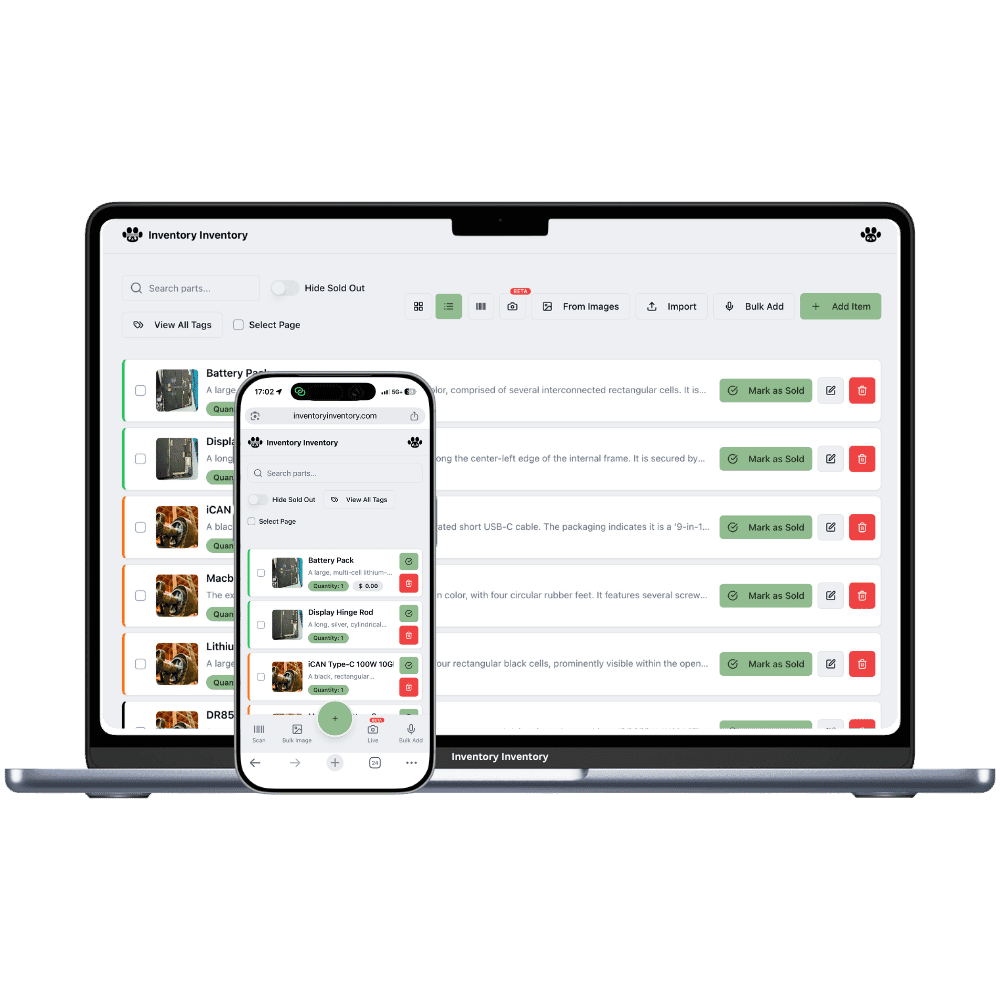
The second toy shop makes December harder before it makes it easier. Holiday stock is split between two back rooms, one store sells out of a popular building set while the other still has a stack, and a parent asking for it wants to know which store to drive to. The hobby side splits too: the regulars who buy model railway track live near one shop, and the paint rack empties faster at the other. A shared spreadsheet updated at night cannot keep up with a Saturday in December at two counters.
Locations, on VIP and above, give each shop its own record of every product, with its own quantity, reorder level and price, and the inventory list groups the same product by barcode with each shop’s count and the total. Transfer to another location moves boxes from one shop’s record to the other’s and logs it. Map each shop to its own Square location and a sale at one counter deducts only from that shop.
Each shop keeps its own count of every set and game, with Locations on VIP and above, so the grouped view shows where December stock actually sits and which store will run out first.
Each shop’s record has its own reorder level, on VIP and above. The store with the model railway club nearby can reorder track at ten while the other carries two, and each paint rack reorders at the level that shop really sells through.
Team permissions, on Super and above, apply per person across the whole account, so December staff can get the Scanner only preset. Devices are approved per scanner station, so a gun registered at one shop’s counter scans there.
On the second Saturday of December the Salmon Arm shop sells its last two of a popular building set by 11 am, while Vernon still has seven in its back room. The owner, on the VIP plan, opens the Vernon record, chooses Transfer to another location and sends four to Salmon Arm with an aisle on arrival; both counts change together and the move is logged. The boxes go up the highway with the afternoon staff member. Each store sells through its own Square location, so Salmon Arm’s sales deduct only from Salmon Arm’s record. On the inventory list the set shows once with both stores and the total, and the owner sees at a glance that it is time to reorder before the last week before Christmas.
Yes, on VIP and above. Open the item, choose Transfer to another location, pick the store and the quantity, and the units move from one store’s record to the other’s, logged, with an aisle on arrival if you pick one. Items tracked in lots cannot be transferred yet, but toys and hobby kits are rarely tracked that way.
Yes. With Locations on VIP and above, the inventory list groups the same product across stores by barcode and shows each store’s count with the total, so a clerk can tell a customer the other store has three before they leave. Team members and their permissions start on Super.
Yes. With Locations on VIP and above, a price saved on one store’s tab becomes that store’s Square price through price by location. The All locations tab sets one price for both, which suits most toys sold at the same shelf price everywhere.
Yes. The Free plan holds up to 50 items with barcode scanning and custom item fields, and it needs no credit card. Upgrade only when you outgrow it.
Yes. There are apps for iPhone and Android that turn your phone into a barcode scanner and show your live stock on the floor. Create your account on the web first, then sign in to the app with the same account.
Yes, on Pro and above: upload an Excel or CSV file and your columns are mapped automatically: name, quantity, price, barcode, SKU, cost, supplier, category, reorder level, expiry date and lot number. You review everything before it is saved.
Start free with 50 items, no credit card: scan or type them in, or import your spreadsheet on Pro and above.
Another kind of shop? See every store type.