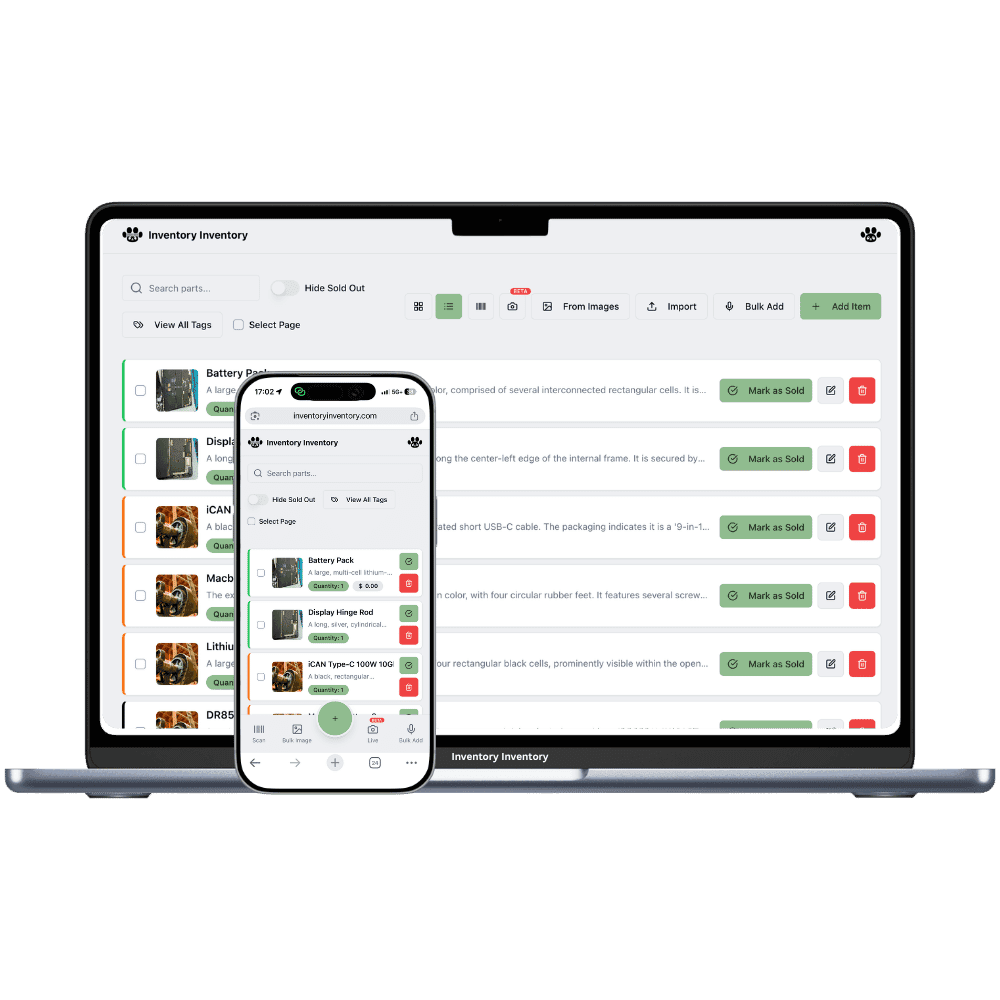
Two counters, one parts catalogue, and a driver running between them. Locations, on VIP and above, keep each store’s stock and price separate and the total in one view.
With a second auto parts store, the daily question becomes which store has it. A mechanic calls the first counter for a timing kit, the second store has two on the shelf, and someone drives it across town. When both stores share one count, nobody knows what is truly on hand, and when they keep separate spreadsheets, the part numbers drift apart. Each store also sells a different mix: the one near the highway moves batteries and wipers, the one near the industrial park moves filters and belts for fleet trucks.
Locations, on VIP and above, give each store its own record of the same part, with its own quantity, lots, reorder level and price, while the inventory list groups them by barcode and shows the total. Transfer to another location moves untracked stock from one store’s record to the other’s and logs it. Map each store to its own Square location, and a counter sale at one store deducts only from that store.
What differs at each location
A different parts mix at each counter
The highway store sells batteries and wipers, the industrial park store sells fleet filters and belts. With Locations on VIP and above, each store keeps its own quantity and reorder level for the same part, and a part that runs low at either store adds its own line to that distributor’s one open draft purchase order.
Cores at each store
Cores come back to whichever counter sold the battery. With Locations on VIP and above, keep a Cores warehouse inside each location, so each store’s pickup count stands on its own and the driver collects from the right back room.
Prices and counter staff
A price saved on one location’s tab becomes that store’s price in Square through price by location, on VIP and above. Team permissions, on Super and above, apply to the whole account, while scanner devices are approved station by station, so a counter gun at one store scans there only.
A main store in Swift Current and a second counter in Medicine Hat
A garage calls the Medicine Hat counter at 8:15 for two serpentine belts that store does not have. The Swift Current store has nine. The owner, on VIP, opens the belt, chooses Transfer to another location and sends four to Medicine Hat; both records change together and the move is logged. Belts are not lot-tracked, so the transfer goes through, and the driver brings them west before noon. Batteries are a different matter: they are received by date code as lots, and lots cannot be transferred yet, so the distributor drops Medicine Hat’s batteries at Medicine Hat, where they are received as that store’s own lot. Each store sells through its own Square location, and the inventory list shows every part once with both counts and the total.
How Locations works
Each location keeps its own record for every product it stocks, with its own quantity, and the item list shows those records together with the total across locations.
Moving stock from one location to another is “Transfer to another location” in the item editor: both counts change together and the move is logged.
Each location maps to its own Square location on the current plans, so a sale in one store deducts from that store’s stock only.
Locations are included on VIP and above: 2 on VIP, 5 on Luxury and 10 on Space on the current plans.
Frequently asked questions
Can I transfer parts between my auto parts stores?
Yes, on VIP and above. Open the part, choose Transfer to another location, pick the store and the quantity, and the units move to the matching record there, with an aisle on arrival if you choose one. Parts tracked in lots, such as batteries received by date code, cannot be transferred yet, so receive each store’s share as its own lot at that store.
Does each auto parts store need its own reorder level?
It can have one. Reorder levels stay per location, with Locations on VIP and above, and a record that runs low at either store adds its own line to that distributor’s one open draft purchase order, never a separate order per store. Purchasing is workspace-wide, so one supplier directory and one set of distributor contacts serve every counter.
Does a part stocked at both counters count twice toward my plan?
Yes, once per location record on the current plans, since each store keeps its own quantity, lots and price. An oil filter carried at both counters uses two items of the allowance, and the inventory list still shows it once with each store’s quantity and the total.
Is there a free plan?
Yes. The Free plan holds up to 50 items with barcode scanning and custom item fields, and it needs no credit card. Upgrade only when you outgrow it.
Does it work on phones?
Yes. There are apps for iPhone and Android that turn your phone into a barcode scanner and show your live stock on the floor. Create your account on the web first, then sign in to the app with the same account.
Can I import my existing list?
Yes, on Pro and above: upload an Excel or CSV file and your columns are mapped automatically: name, quantity, price, barcode, SKU, cost, supplier, category, reorder level, expiry date and lot number. You review everything before it is saved.