
Floor models at each showroom
Each showroom keeps its own records, with Locations on VIP and above, so floor models stay on the store where they stand and a clearance on one floor never touches the other store’s count.
Two showrooms, often with a shared warehouse behind them. Locations, on VIP and above, keep each store’s pieces and décor apart and show the total in one list.
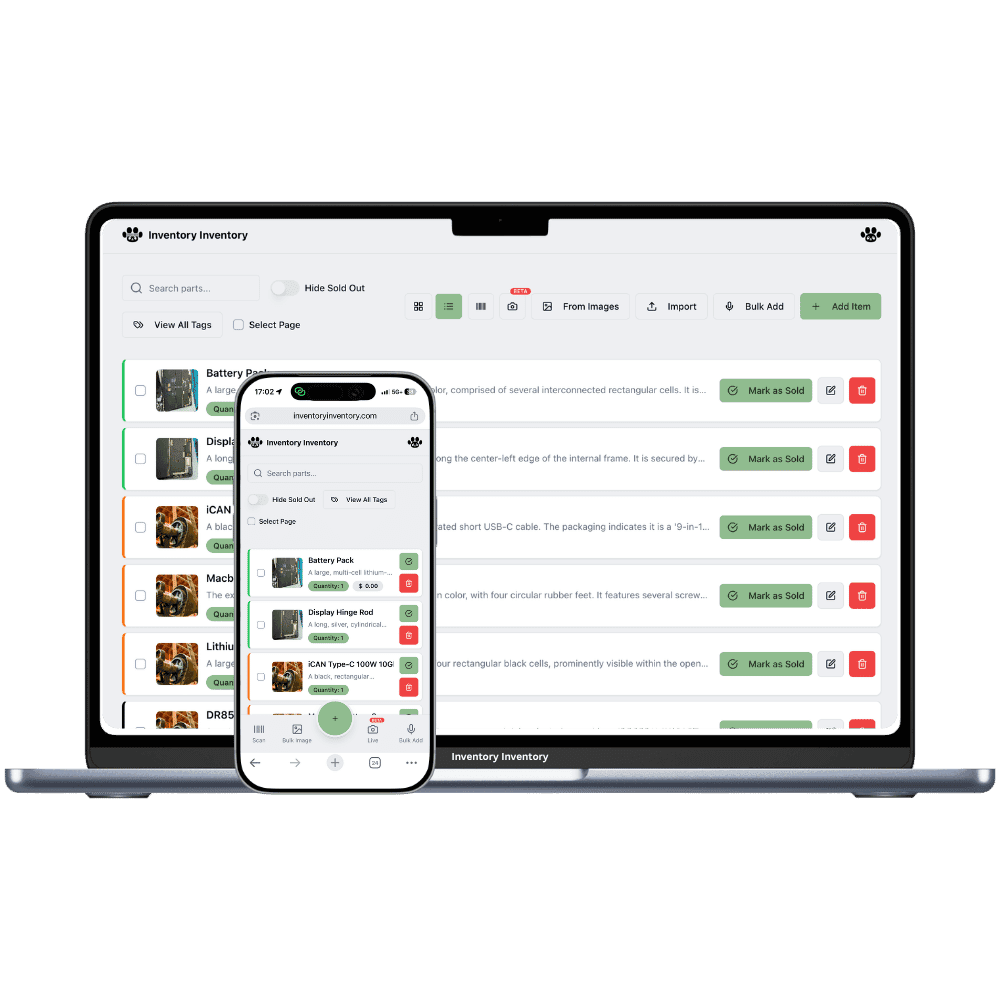
With a second furniture showroom, a sale on one floor often depends on stock at the other. A customer falls for a sectional in one store, the boxed ones are in the other store’s back warehouse, and the delivery date depends on who can see that count. Décor sells differently in each neighbourhood, so candles and frames run low at one store while the other holds plenty. And the floor models are not the same at both stores, because each showroom is arranged for its own space and its own customers.
Locations, on VIP and above, give each store its own record of every product, with its own quantity, reorder level and price, while the inventory list groups the same product by barcode and shows each store’s count with the total. A central warehouse can be a location of its own. Transfer to another location moves pieces between stores and logs it. Sales orders, on VIP and above, reserve stock only from the named location, so a piece promised at one store is never taken from the other.
Each showroom keeps its own records, with Locations on VIP and above, so floor models stay on the store where they stand and a clearance on one floor never touches the other store’s count.
A central warehouse can be a location of its own on VIP and above. With no Square mapping it pushes nothing to Square, so boxed stock waiting there never shows as showroom stock, and Transfer to another location sends a piece to a store once it is sold.
Each store’s record of a candle or pillow has its own reorder level, on VIP and above, so the store that sells through cushions every week reorders sooner while the other keeps a lighter shelf.
On a Saturday in March a customer in the Moncton showroom buys a leather recliner, but Moncton’s last boxed one sold on Thursday. The owner, on the VIP plan, sees on the inventory list that Fredericton has two boxed. She opens the Fredericton record, chooses Transfer to another location and sends one to Moncton with the warehouse aisle on arrival; the transfer is logged on both records. She then creates a sales order at the Moncton location and confirms it, so the recliner is reserved from Moncton’s record and shows as reserved for orders. The recliner travels on Tuesday’s truck between the stores, and when the customer picks it up, the handover deducts it from Moncton alone.
Yes, on VIP and above. Open the item, choose Transfer to another location, pick the store and the quantity, and the unit moves from one record to the other, with an aisle on arrival if you choose one. The transfer is logged. Items tracked in lots cannot be transferred yet, but furniture is rarely tracked that way.
Yes. On VIP and above, a location is a store or a building, so the warehouse behind both showrooms can be one of your locations. Leave it unmapped in Square and it pushes nothing there, so boxed stock is never sold from a showroom by mistake. VIP includes two locations, Luxury five and Space ten.
A sales order, on VIP and above, reserves only from the location named on it. Transfer the piece to the pickup store first, then create the order at that store and confirm it to reserve the piece, and the handover to the customer deducts it there.
Yes. The Free plan holds up to 50 items with barcode scanning and custom item fields, and it needs no credit card. Upgrade only when you outgrow it.
Yes. There are apps for iPhone and Android that turn your phone into a barcode scanner and show your live stock on the floor. Create your account on the web first, then sign in to the app with the same account.
Yes, on Pro and above: upload an Excel or CSV file and your columns are mapped automatically: name, quantity, price, barcode, SKU, cost, supplier, category, reorder level, expiry date and lot number. You review everything before it is saved.
Start free with 50 items, no credit card: scan or type them in, or import your spreadsheet on Pro and above.
Another kind of shop? See every store type.