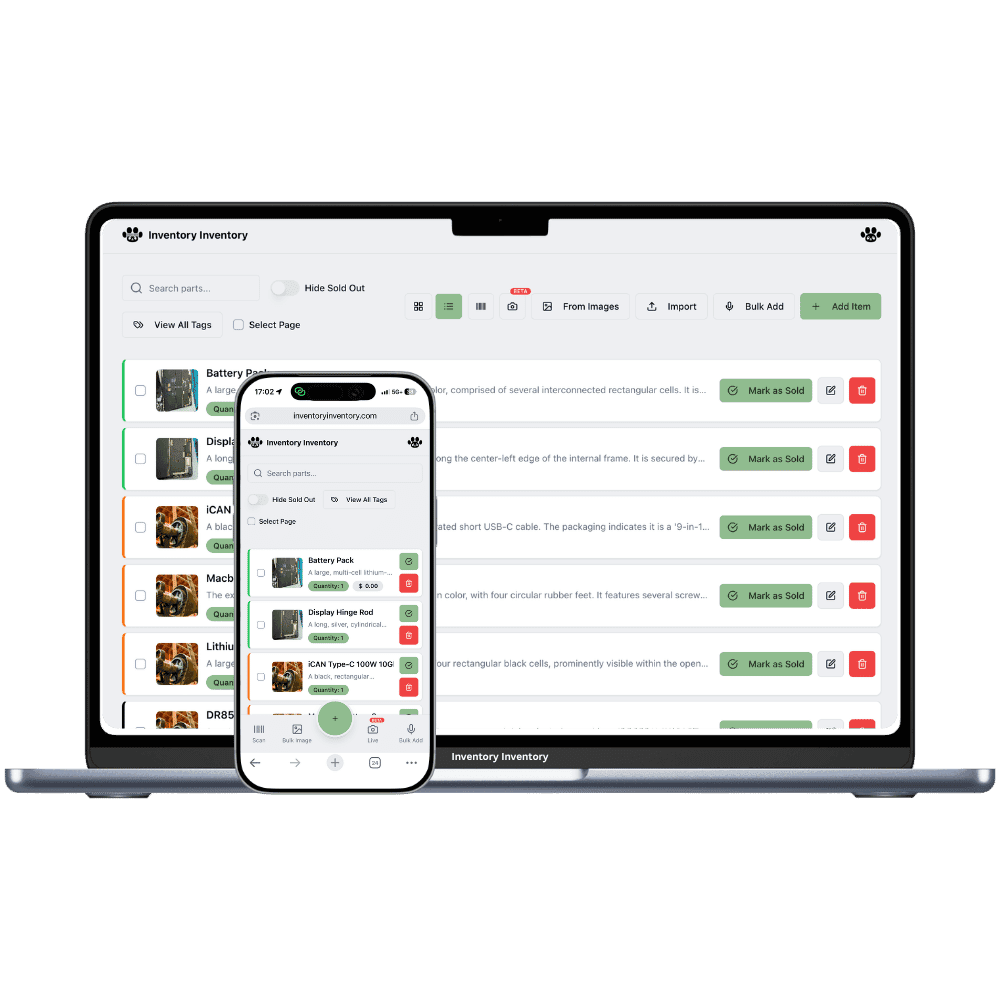
Online sellers and small fulfilment warehouses with more than one location
An east warehouse and a west one ship faster than one, if each order is filled from the right shelves. Locations and Orders, on VIP and above, keep each site separate.
Running online sellers and small fulfilment warehouses across locations
A second fulfilment warehouse shortens delivery times and doubles the ways an order can go wrong. An order from the west is promised from stock that is actually in the east, a fast seller runs out in one warehouse while the other is overstocked, and a single combined count makes both look healthy. Each site has its own carrier pickup time, its own packers and its own shelves. The record that matters is which warehouse holds how many, and which orders have already claimed them.
Locations, on VIP and above, make each warehouse a location with its own record of every product: its own quantity, lots, reorder level and shelves, and the inventory list groups the same product by barcode with each site’s count and the total. Orders, on VIP and above, reserve only from the named location’s record, with no silent borrowing from the other site, and each location has its own Ready Orders Room in 3D. Transfer to another location rebalances untracked stock between sites.
What differs at each location
Which site fills the order
On VIP and above, each sales order names its location and reserves only from that location’s record. If the west site is short, the line shows a shortfall rather than borrowing from the east, so you decide whether to move stock or fill the order from the other site.
Packers and pickup times
Each warehouse has its own pick lists and its own Ready Orders Room in 3D, on VIP and above, so the packers at each site see their own orders waiting for the carrier. Team permissions such as Pick orders and Manage orders, on Super and above, apply per person across the account.
Rebalancing stock between sites
Transfer to another location, on VIP and above, moves stock from one warehouse’s record to the other’s and logs it. Lot-tracked items cannot be transferred yet, so dated goods are best received at the site that will ship them.
Warehouses in Mississauga and Surrey
On a Monday in November the Surrey warehouse has 40 of a best-selling phone case left, with a promotion starting Thursday, while Mississauga holds 300. The owner, on the Luxury plan, opens the Mississauga record, chooses Transfer to another location and moves 120 to Surrey; both records change together and the transfer is logged, and the cartons go out on a freight pallet that afternoon. Orders from western customers are created at the Surrey location through the API and reserve only from Surrey’s record. At 3 pm each site’s packers work from their own pick lists and see their own orders in their own Ready Orders Room, and each handover to Canada Post deducts from that site alone.
How Locations works
Each location keeps its own record for every product it stocks, with its own quantity, and the item list shows those records together with the total across locations.
Moving stock from one location to another is “Transfer to another location” in the item editor: both counts change together and the move is logged.
Each location maps to its own Square location on the current plans, so a sale in one store deducts from that store’s stock only.
Locations are included on VIP and above: 2 on VIP, 5 on Luxury and 10 on Space on the current plans.
Frequently asked questions
Can one order ship from two warehouses?
Not as one order. On VIP and above, a sales order reserves only from the location it names, with no silent borrowing. Split it into two orders, one at each location, or transfer the stock first so one site can fill the whole order.
Can I move stock between fulfilment warehouses?
Yes, on VIP and above, with Transfer to another location in the item editor: pick the site, the quantity and an aisle on arrival, and the move is logged. Items tracked in lots cannot be transferred yet, so receive dated goods at the site that will ship them.
Does each warehouse get its own Ready Orders Room?
Yes. On VIP and above, each location has its own Ready Orders Room in 3D for that site’s orders, and its own pick lists sorted by that site’s warehouses, aisles and floors.
Is there a free plan?
Yes. The Free plan holds up to 50 items with barcode scanning and custom item fields, and it needs no credit card. Upgrade only when you outgrow it.
Does it work on phones?
Yes. There are apps for iPhone and Android that turn your phone into a barcode scanner and show your live stock on the floor. Create your account on the web first, then sign in to the app with the same account.
Can I import my existing list?
Yes, on Pro and above: upload an Excel or CSV file and your columns are mapped automatically: name, quantity, price, barcode, SKU, cost, supplier, category, reorder level, expiry date and lot number. You review everything before it is saved.