Phone and computer repair shops with more than one location
Two repair counters share one parts catalogue but never the same drawer. Locations, on VIP and above, keep each shop’s parts separate and the total in one list.
Running phone and computer repair shops across locations
With a second repair shop, parts start travelling in jacket pockets. One counter runs out of batteries for a popular model, the other has eight, and a technician carries three across on the bus without telling anyone. A week later both counts are wrong. The two shops also see different work: one near a university fixes laptops and keyboards, one in a mall fixes cracked screens all day. A single shared count cannot say which bench is short, and two spreadsheets cannot say what the business holds.
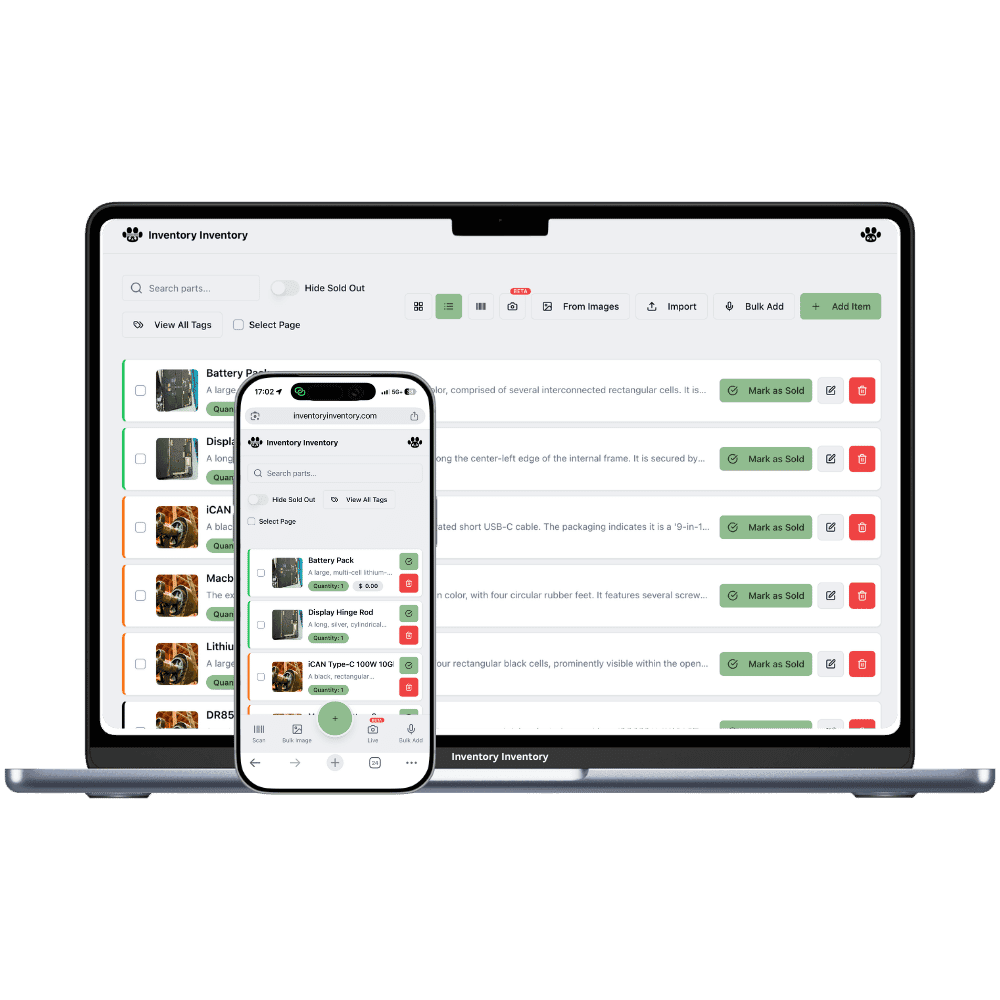
Locations, on VIP and above, give each shop its own record of the same part, with its own quantity, reorder level and price, and the inventory list groups them by barcode with the total. Transfer to another location moves parts from one shop’s record to the other’s and logs who did it. Each shop maps to its own Square location, so case and charger sales at one counter deduct only from that counter.
What differs at each location
A different repair mix
A campus shop goes through laptop keyboards and SSDs, a mall shop through screens and batteries. With Locations on VIP and above, each shop’s record keeps its own reorder level, so the screen reorder fires for the mall shop alone.
Accessory prices per shop
Cases and screen protectors can sell at different prices in each shop. A price saved on one location’s tab becomes that shop’s price in Square through price by location, on VIP and above. The All locations tab sets one price everywhere.
Technicians and bench devices
Team permissions, on Super and above, cover the whole account, so give technicians Scan items without Edit items if they only fit parts. Scanner devices are approved station by station, so a bench gun approved at one shop scans there only.
A shop in the Glebe and a second counter in Kanata
On a Monday in September, the Kanata shop is down to one battery for a popular phone model with three repairs booked. The Glebe shop in Ottawa has seven. The owner, on VIP, opens the battery, chooses Transfer to another location and sends four to Kanata; the move is logged under her name. Batteries here are not lot-tracked, so the transfer goes through. A technician carries the bag across that afternoon, and the parts are already on Kanata’s count when he arrives. Meanwhile laptop keyboards at the Glebe, near the university, cross their reorder level and a draft purchase order appears for approval. Each shop sells cases through its own Square location, and the inventory list shows the battery once with both counts and the total.
How Locations works
Each location keeps its own record for every product it stocks, with its own quantity, and the item list shows those records together with the total across locations.
Moving stock from one location to another is “Transfer to another location” in the item editor: both counts change together and the move is logged.
Each location maps to its own Square location on the current plans, so a sale in one store deducts from that store’s stock only.
Locations are included on VIP and above: 2 on VIP, 5 on Luxury and 10 on Space on the current plans.
Frequently asked questions
How do I move parts between my repair shops?
On VIP and above, open the part, choose Transfer to another location, and pick the shop and quantity. The units leave one record and join the matching record at the other shop, or create one there, and the transfer is logged. Parts tracked in lots cannot be transferred yet, which matters little for repair parts that rarely carry lot numbers.
Can technicians at one shop see the other shop’s parts?
Yes. Permissions apply to the whole account, not per location, so a technician with access sees every shop’s records, grouped with per-location tabs. Team members are on Super and above. What stays per shop is the scanner device: each gun or phone is approved at its own station.
Do supplier orders go out per repair shop?
Purchasing is workspace-wide, on Pro and above: one supplier directory and one open draft per supplier. A reorder level is set on each shop’s record, so the parts that ran low at either shop land on that supplier’s draft. With Locations on VIP and above, you can approve the draft and send it to the supplier by email.
Is there a free plan?
Yes. The Free plan holds up to 50 items with barcode scanning and custom item fields, and it needs no credit card. Upgrade only when you outgrow it.
Does it work on phones?
Yes. There are apps for iPhone and Android that turn your phone into a barcode scanner and show your live stock on the floor. Create your account on the web first, then sign in to the app with the same account.
Can I import my existing list?
Yes, on Pro and above: upload an Excel or CSV file and your columns are mapped automatically: name, quantity, price, barcode, SKU, cost, supplier, category, reorder level, expiry date and lot number. You review everything before it is saved.