Thrift and consignment stores with more than one location
Two resale shops, one stream of donations or consignors. Locations, on VIP and above, keep each shop’s pieces apart and move a piece to the shop where it will sell.
Running thrift and consignment stores across locations
Resale shops with two locations share a supply but not a customer base. Donations or consignments arrive at one shop, and some pieces would sell faster at the other: vintage furniture downtown, children’s clothes near the schools. Consignors drop off at whichever shop is closer and then call the other to ask what sold. Because every piece is one of a kind, a combined count means little. What matters is where each piece is, whose it is, and how long it has been on the floor at that shop.
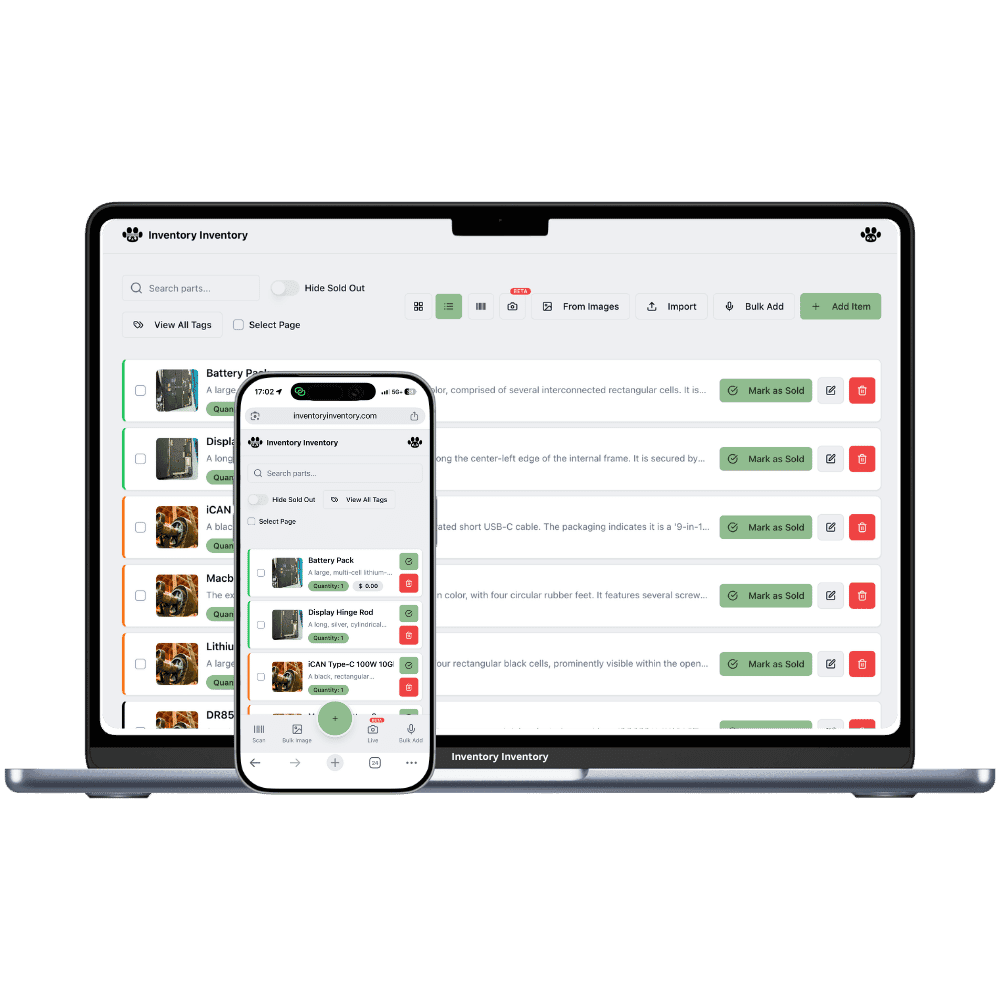
Locations, on VIP and above, give each shop its own records, with photos, custom fields and a place on that shop’s map. The Consignor field is shared across the account, so on the inventory list one filter shows a consignor’s pieces at every shop. Transfer to another location moves a piece to the other shop and logs it. Map each shop to its own Square location, and a sale removes the piece from that shop’s record only.
What differs at each location
Pieces that sell better elsewhere
Each shop keeps its own records on VIP and above. A mid-century lamp donated at the suburban shop can move to the downtown one with Transfer to another location, logged on both sides, where that kind of piece sells faster.
Consignors at both shops
A consignor who drops off at both shops has pieces on both shops’ records. The Consignor custom field is the same across the account, so the field filter lists all of their pieces with each one’s shop.
Staff, volunteers and tagging stations
Team permissions, on Super and above, apply per person across the account, so volunteers can have Add items and Scan items only. Devices are per shop: each phone or gun is approved at that shop’s scanner station.
A shop in Peterborough and another in Cobourg
On a Wednesday in October, a consignor drops a mid-century teak side table at the Cobourg shop. The owner, on the VIP plan, adds it from a photo, fills Consignor and Consignment end, and prints its barcode tag. Teak sells faster in Peterborough, so on Friday she opens the record, chooses Transfer to another location and sends it there; a record is created at Peterborough and the move is logged. The table rides over in the van with the weekend’s racks. On Saturday it sells through Peterborough’s Square location and leaves Peterborough’s record. When the consignor calls Cobourg the next week, staff tick her name in the field filter and see the table sold in Peterborough, with the date in the activity log.
How Locations works
Each location keeps its own record for every product it stocks, with its own quantity, and the item list shows those records together with the total across locations.
Moving stock from one location to another is “Transfer to another location” in the item editor: both counts change together and the move is logged.
Each location maps to its own Square location on the current plans, so a sale in one store deducts from that store’s stock only.
Locations are included on VIP and above: 2 on VIP, 5 on Luxury and 10 on Space on the current plans.
Frequently asked questions
Can I move a piece from one shop to the other?
Yes, on VIP and above. Open the piece, choose Transfer to another location and pick the shop; a record is created there if none exists, with an aisle on arrival if you choose one, and the transfer is logged. Each record counts as one item, so the owner can delete the empty record at the first shop once the piece has moved.
Can consignors drop off at either shop?
Yes. Add their pieces at the shop where they arrive and fill the Consignor field. The field is shared across the account, so filtering by a consignor’s name lists their pieces at both shops, and each sale is logged with its date.
Can each shop price pieces differently?
Each piece has its own price on its own record. With Locations on VIP and above, a price saved on a shop’s tab also becomes that shop’s Square price through price by location, so a piece moved downtown can carry a higher tag there.
Is there a free plan?
Yes. The Free plan holds up to 50 items with barcode scanning and custom item fields, and it needs no credit card. Upgrade only when you outgrow it.
Does it work on phones?
Yes. There are apps for iPhone and Android that turn your phone into a barcode scanner and show your live stock on the floor. Create your account on the web first, then sign in to the app with the same account.
Can I import my existing list?
Yes, on Pro and above: upload an Excel or CSV file and your columns are mapped automatically: name, quantity, price, barcode, SKU, cost, supplier, category, reorder level, expiry date and lot number. You review everything before it is saved.